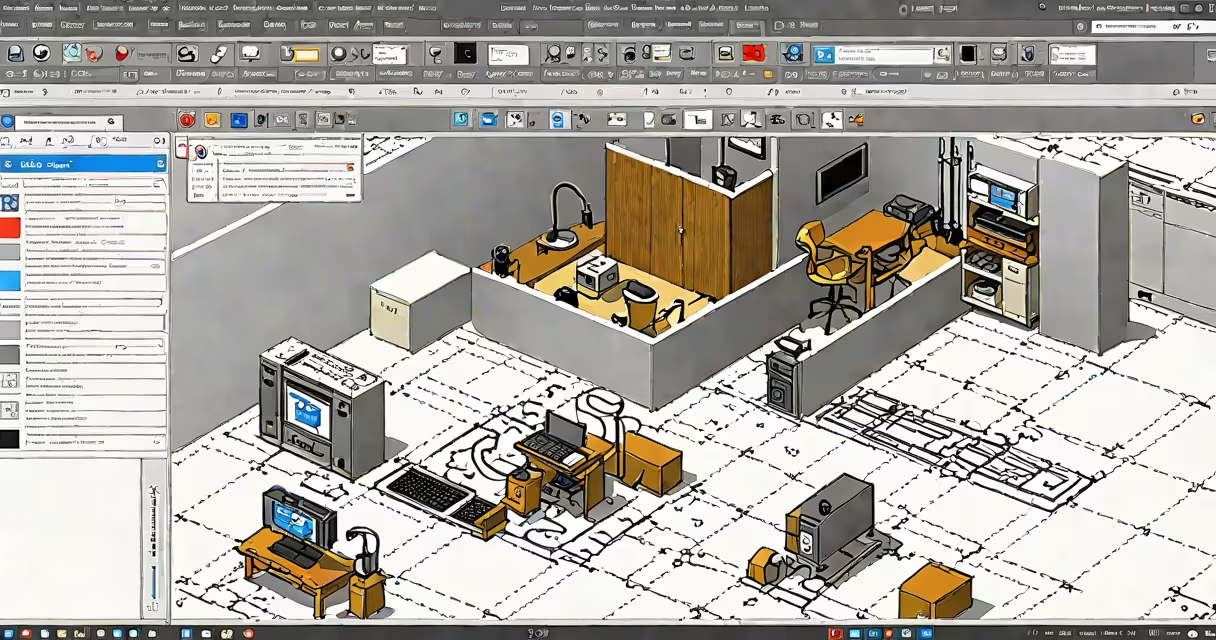
Adobe Photoshop Online Editor is a web-based version of Photoshop that lets you edit images directly in your browser using core Photoshop features. It's part of Adobe's Creative Cloud set and offers many of the same tools as the desktop version.
The online editor operates through your web browser, requiring no installation. You'll need an Adobe ID to access it, which comes with a Creative Cloud subscription. Once logged in, you can upload images from your device or access files stored in Adobe Cloud Storage.
Key features include:
The online editor lacks some advanced features found in the desktop application, such as:
| Feature | Desktop Version | Online Editor |
|---|---|---|
| 3D editing | Available | Not available |
| Content-Aware Fill | Available | Not available |
| Advanced brush engines | Available | Limited selection |
Photographers, graphic designers, and social media managers use the online editor for quick edits when they don't have access to their desktop computers. It's particularly useful for:
According to Adobe, over 20 million users access Photoshop through the web app monthly, showing its popularity among professionals who need flexibility in their workflow.
Many people think the online editor is just a simplified version of Photoshop, but it actually includes most core features. While it lacks some advanced capabilities, it's fully capable of handling professional-level editing tasks for many users.
Another misconception is that you need a useful computer to run Photoshop. With the online editor, you can perform complex edits on any device with a modern browser, including Chromebooks and tablets.
To begin using the Adobe Photoshop Online Editor, you'll need a Creative Cloud subscription. Adobe offers a free trial period, allowing you to test the online editor before committing to a paid plan.
Once you have access, simply log in to your Adobe account through a web browser and select "Photoshop" from the Creative Cloud dashboard. The interface is similar to the desktop version, making it easy to transition between platforms.