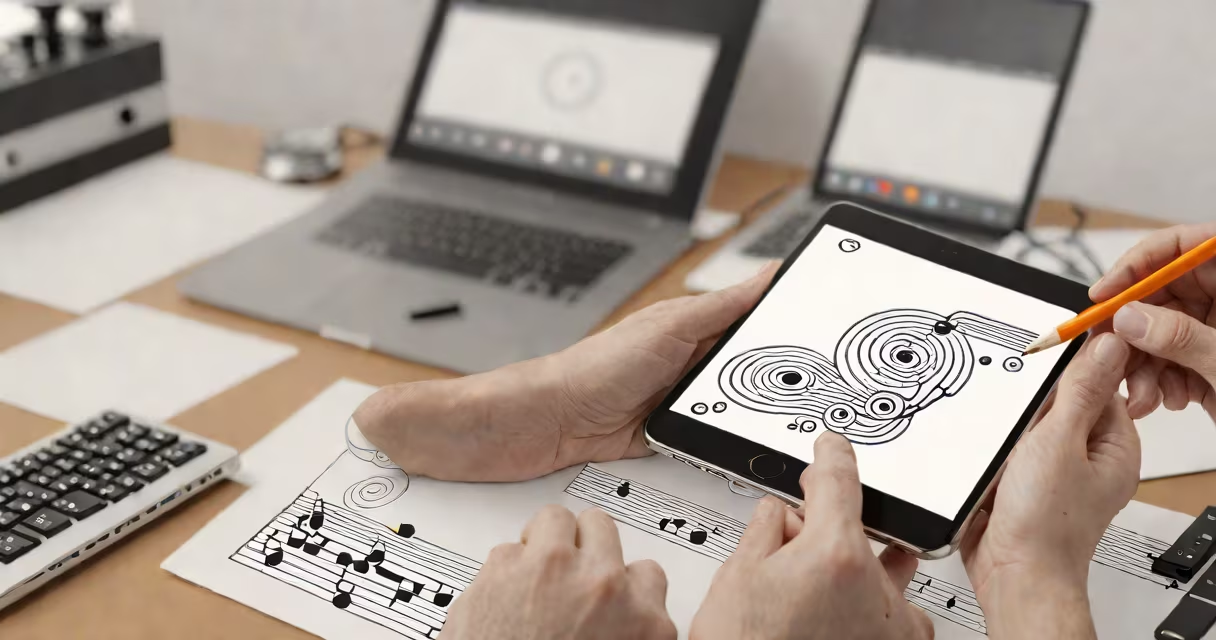
Mobile music production apps change smartphones into portable recording studios with professional tools for beat-making, mixing, and sound design. These applications typically offer multi-track editing, virtual instruments, and effects processing optimized for touchscreen interfaces.
Most mobile music production apps use real-time audio processing to apply effects and mix tracks. They store projects locally or in cloud storage, allowing users to resume work across devices. Many support MIDI controllers for expanded input options beyond touch controls.
| Type | Key Features | Example Apps |
|---|---|---|
| DAW (Digital Audio Workstation) | Multi-track recording, editing, and mixing | GarageBand, FL Studio Mobile |
| Drum Machine/Sampler | Beat creation with pre-loaded samples | Korg Gadget, BM3 |
| Synthesizer | Virtual instrument with sound design capabilities | Moog Model D, Korg iMS-20 |
| Loop-Based | Pattern sequencing with loop libraries | BandLab, Figure |
1. Open FL Studio Mobile and create a new project
2. Tap the "+" button to add a new pattern
3. Select the drum machine and choose a kit
4. Tap grid cells to program a basic four-on-the-floor beat
5. Add variation with snare rolls and hi-hat patterns
6. Save the pattern and duplicate it to create variations
7. Export the completed beat as an audio file
Mobile music production democratizes music creation by removing barriers to entry. According to a 2023 study by the International Music Products Association, over 60% of new musicians start on mobile devices. The portability allows for creative inspiration capture anywhere, and cloud syncing enables collaboration across distances.
As someone who has produced tracks using these apps during travel, I can attest to their convenience. The ability to record ideas immediately often leads to more authentic creative expressions compared to waiting until reaching a traditional studio setup.