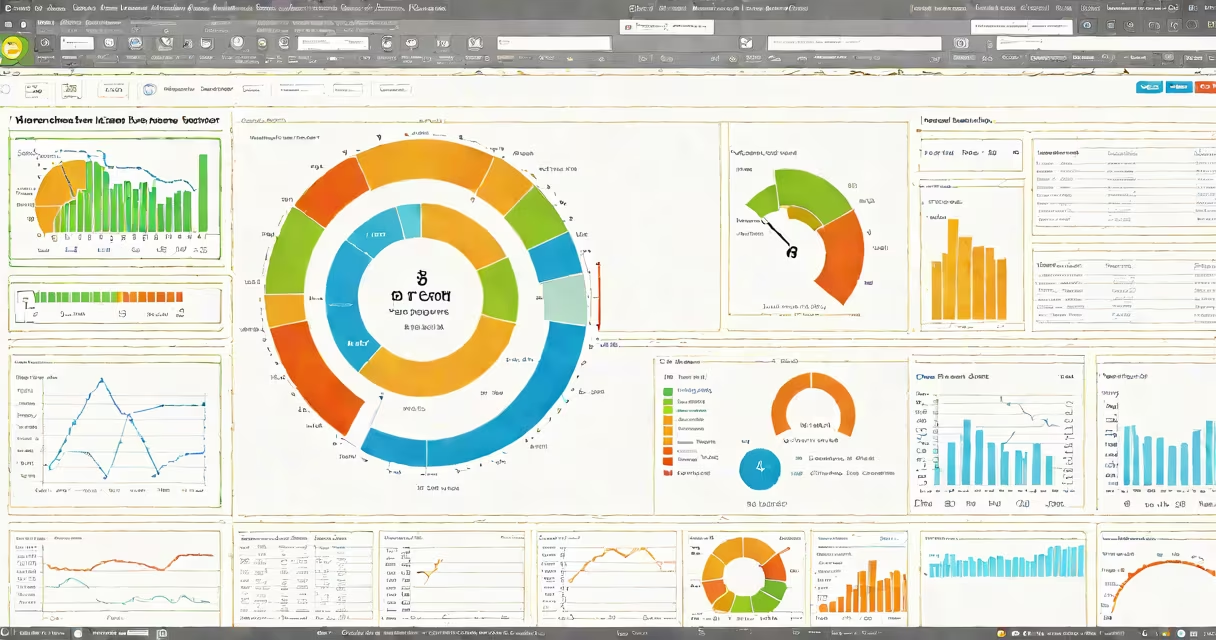
Benchmark tests evaluate computer hardware performance using standardized metrics. They measure speed, efficiency, and stability to compare components or diagnose issues.
These tests fall into two categories: synthetic benchmarks and real-world tests. Synthetic benchmarks run isolated tasks to isolate performance metrics, while real-world tests simulate applications like gaming or video editing. Both types help users make informed decisions about upgrades or new builds.
Benchmark software runs a series of tasks, then records and analyzes results. Metrics include frames per second (FPS) for graphics cards, seconds per frame for CPUs, and temperatures for cooling systems. Some tests also measure power consumption and noise levels.
| Test Type | Measures | Example Tools |
|---|---|---|
| CPU Benchmark | Processing speed, multi-core performance | Cinebench, Geekbench, PassMark |
| GPU Benchmark | Graphics rendering, frame rates | 3DMark, Unigine Heaven, FurMark |
| System Benchmark | PC performance | PCMark 10, Novabench |
| Storage Benchmark | Read/write speeds, latency | CrystalDiskMark, ATTO Disk Benchmark |
Users run benchmarks to compare hardware before purchasing, validate performance after upgrades, or troubleshoot system issues. Manufacturers also use them to market products and ensure quality control.
Many users confuse benchmark scores with real-world performance. While scores provide a useful comparison, they don't always reflect how hardware performs in specific applications. For instance, a high 3DMark score doesn't guarantee smooth gameplay in every title.
Another misconception is that higher scores are always better. Some benchmarks prioritize stability or efficiency over raw power. For example, a low-power laptop might score lower than a desktop but offers better battery life.
To compare two CPUs, download and install Cinebench. Run the test on both systems, then note the scores. For instance, an Intel Core i9-13900K might score 2,000 in the single-core test, while an AMD Ryzen 9 7950X scores 1,950. The Intel chip performs slightly better in single-threaded tasks.
In multi-core tests, the Ryzen 9 7950X might score 33,000 compared to the i9's 30,000. This suggests the AMD processor handles multi-threaded workloads more efficiently. Users can then decide which CPU better suits their needs based on these results.