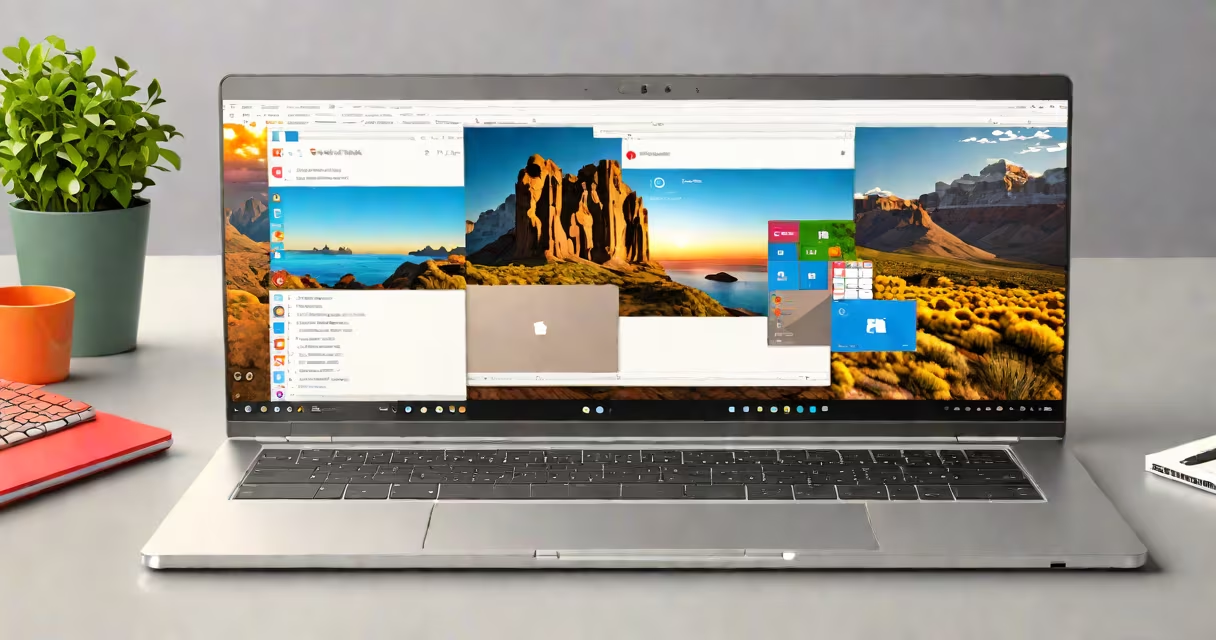
Yes, Chromebooks can run Microsoft Office apps through several methods, including web-based versions, Android app installs, and cloud syncing. While Chrome OS doesn't natively support traditional Windows installations, Microsoft provides compatible alternatives.
Microsoft Office operates on Chromebooks primarily through three channels:
Each method has limitations. The Android apps lack some advanced features found in desktop versions, while Office Online requires constant internet connectivity.
| Method | Key Features | Limitations |
|---|---|---|
| Office Online | Basic editing tools, cloud storage integration, offline mode for viewing | No advanced formatting, limited collaboration features |
| Android Apps | Full feature sets, touchscreen support, offline editing | Smaller screen real estate, occasional performance lags |
| Cloud Syncing | Cross-device consistency, version history, shared access | Requires Microsoft 365 subscription for full functionality |
Many users assume Chromebooks can't run Office at all, likely due to Chrome OS's Linux-based architecture. However, Microsoft has optimized its products for Chrome OS through Android compatibility and web apps. Another mistake is expecting full desktop functionality-the Android apps work well but aren't identical to Windows versions.
To install Microsoft Word on a Chromebook:
This process applies similarly to Excel and PowerPoint. For Office Online, simply visit office.com in Chrome and log in.
When I set up Microsoft Office on my Chromebook for a project, the Android app installation was straightforward. However, I noticed slower performance with complex Excel spreadsheets compared to my Windows laptop. The web version worked fine for basic tasks but lacked some formatting options I rely on.
Understanding how Microsoft Office functions on Chromebooks helps users choose the right device for their workflows. Many professionals need Office compatibility, and while Chromebooks offer viable solutions, they're not identical to traditional setups. For those considering a Chromebook, knowing these limitations ensures smoother adoption.