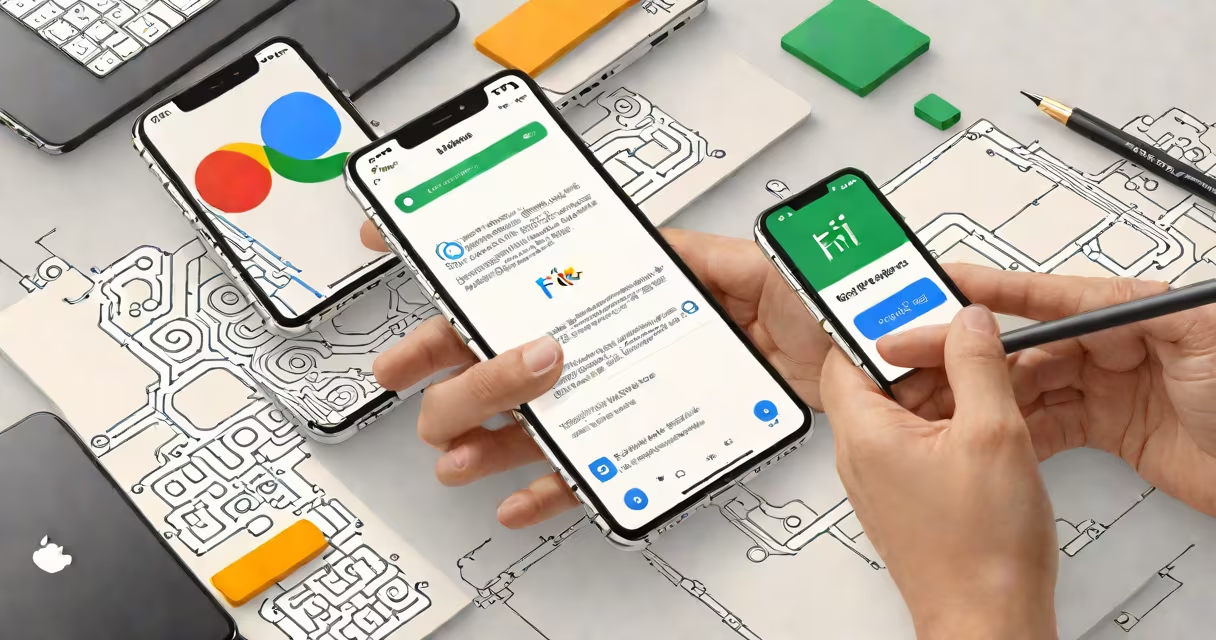
Yes, you can use an iPhone on Google Fi, but with limitations. Google Fi supports iPhones running iOS 12.4 or later through eSIM activation, though some features differ from Android devices.
Google Fi uses a combination of cellular networks and Wi-Fi to provide service. For iPhones, it primarily relies on eSIM technology, which allows you to activate a digital plan without a physical SIM card. This differs from Android devices, which often support both physical SIM cards and eSIMs.
To set up your iPhone on Google Fi, you'll need to scan a QR code provided by Google Fi during the activation process. This process binds your iPhone's eSIM to the Google Fi network. The setup is straightforward and typically takes less than five minutes.
Most iPhones released since 2018 support eSIM technology, making them compatible with Google Fi. Here's a quick reference table:
| iPhone Model | eSIM Support | Google Fi Compatibility |
|---|---|---|
| iPhone XR/XS | Yes | Yes |
| iPhone 11/11 Pro | Yes | Yes |
| iPhone 12 Series | Yes | Yes |
| iPhone 13 Series | Yes | Yes |
| iPhone 14 Series | Yes | Yes |
Google Fi is popular among travelers and frequent Wi-Fi users due to its smooth switching between cellular networks and Wi-Fi. iPhone users benefit from this flexibility, especially when traveling internationally, as Google Fi offers competitive rates for data usage abroad.
However, iPhone users won't have access to all Google Fi features. For instance, Google Fi's multi-device support and advanced data management tools are primarily designed for Android devices., iPhones cannot use Google Fi's **Files by Google** feature for iPhone storage management, as this app is Android-exclusive.
One common misconception is that Google Fi is free to use. While Google Fi offers competitive pricing, it is not free. Plans start at $20 per month for the basic tier, with additional costs for extra data or international usage. For more details, see our guide on whether Google Fi is free.
Another myth is that Google Fi doesn't work well with iPhones. While iPhones don't support all Google Fi features, they still provide reliable service for calls, texts, and data. The experience is similar to using any other carrier with an iPhone, minus a few Android-specific perks.
I recently helped a friend set up their iPhone 13 on Google Fi. After downloading the Google Fi app from the App Store, we followed the in-app instructions to scan the QR code provided by Google Fi. The eSIM activated within seconds, and my friend was able to make calls and use data immediately. The process was smooth, and they reported no issues with call quality or data speeds.
However, when trying to use Google Fi's multi-device feature, we discovered that it wasn't available for iPhones. This was a minor inconvenience, but, the setup and service were excellent.