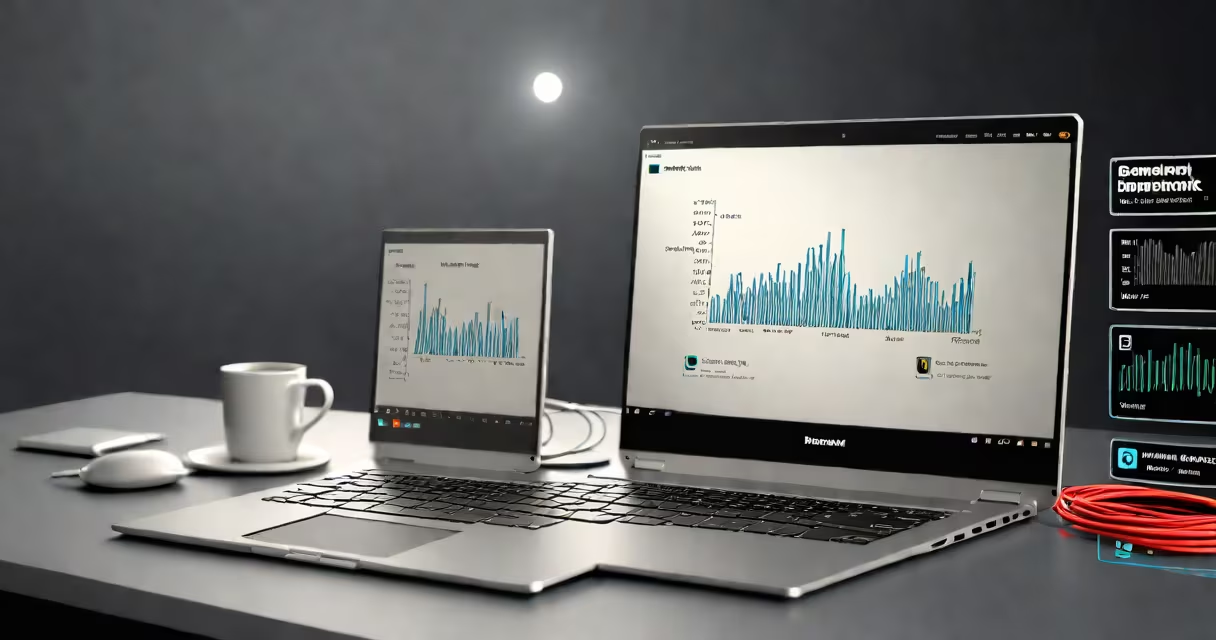
A computer hardware benchmark is a standardized test that measures a component's performance using metrics like frames per second (FPS) or operations per second. These tests compare hardware devices against each other using consistent criteria.
Benchmarks run a series of tasks designed to stress specific hardware components. The results provide quantifiable data about performance. For example, a CPU benchmark might involve mathematical calculations, while a GPU benchmark renders complex 3D scenes.
Most benchmarks produce a score that can be compared against other components. Some popular benchmarking tools include UserBenchmark and 3DMark. These tools often include multiple tests to evaluate different aspects of performance.
| Benchmark Type | Key Metrics | Common Tools |
|---|---|---|
| CPU Benchmark | Operations per second, clock speed, multi-core performance | Cinebench, Geekbench, PassMark |
| GPU Benchmark | Frames per second (FPS), texture fill rate, pixel fill rate | 3DMark, Unigine Heaven, FurMark |
| Storage Benchmark | Read/write speeds, input/output operations per second (IOPS) | CrystalDiskMark, ATTO Disk Benchmark |
| System Benchmark | System performance, boot time, application load time | PCMark 10, Novabench |
Benchmarks help consumers compare hardware before purchasing. They also assist developers in optimizing software for specific hardware configurations. For instance, a gamer might use GPU benchmarks to choose between graphics cards, while a video editor might rely on CPU benchmarks to select a processor for rendering tasks.
Businesses use benchmarks to ensure their systems meet performance requirements. Data centers, for example, might benchmark servers to guarantee they can handle expected workloads., manufacturers use benchmarks to demonstrate the performance advantages of their products over competitors'.
One common misconception is that higher benchmark scores always translate to better real-world performance. While benchmarks provide useful comparisons, they don't always reflect how hardware performs in everyday use. For example, a CPU with a high benchmark score might excel in synthetic tests but struggle with multithreaded applications.
Another misunderstanding is that benchmarks are only relevant for high-end hardware. In reality, benchmarks are useful for all types of hardware, including budget components. They help users understand the capabilities of their systems, regardless of price.
After assembling the PC, I ran additional benchmarks to ensure all components worked together efficiently. The results confirmed that the system met my performance expectations and identified any potential bottlenecks. This process highlighted the importance of benchmarks in both pre-purchase research and post-assembly verification.
A computer hardware benchmark provides objective measurements of performance, allowing users to make informed decisions about their hardware purchases. By understanding how benchmarks work and their various applications, consumers and professionals can improve their systems for specific tasks.