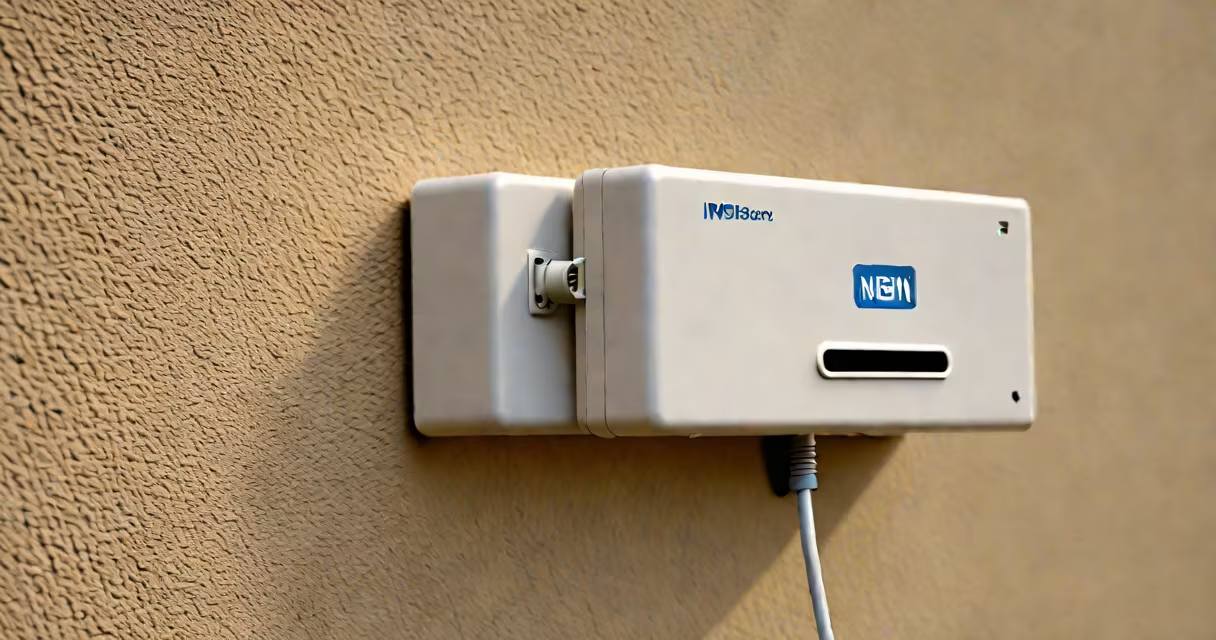
An nbn box is the physical device installed by Australia's National Broadband Network that connects your home to high-speed internet. It's typically mounted on an exterior wall or inside your property.
The nbn box serves as the interface between the national broadband network and your home's internal wiring. It converts signals from the nbn network into a format your modem can use. Most boxes support multiple connection types, including fiber optic (FTTP), hybrid fiber-coaxial (HFC), and fixed wireless.
| Connection Type | Box Appearance | Typical Location |
|---|---|---|
| Fiber to the Premises (FTTP) | Small, rectangular box with a fiber optic cable | Interior utility closet or basement |
| Hybrid Fibre-Coaxial (HFC) | Similar to a cable modem, often with coaxial ports | Exterior wall near existing cable lines |
| Fixed Wireless | Antennas with a small indoor connection box | Roof or exterior wall with clear line of sight |
Most nbn boxes are installed on exterior walls, often near the front of the house. If you can't find it outside, check basements, garages, or utility closets. The box is usually labeled with the nbn logo and may have a serial number.
Many people confuse the nbn box with their modem or router. The nbn box is separate and is installed by nbn or an authorized installer. Your modem connects to this box, not directly to the nbn network.
Another mistake is assuming that the presence of an nbn box guarantees high-speed internet. The actual speed depends on your plan, internal wiring, and the type of nbn connection (FTTP generally offers higher speeds than HFC).
When I moved into my current home, I couldn't find the nbn box anywhere. After checking the exterior walls and basement, I realized it was hidden behind a panel in the garage. Once located, setting up my modem was straightforward-I simply connected an Ethernet cable from the box to the modem.
If you're still struggling, your ISP can send a technician to verify the installation and ensure everything is connected correctly.