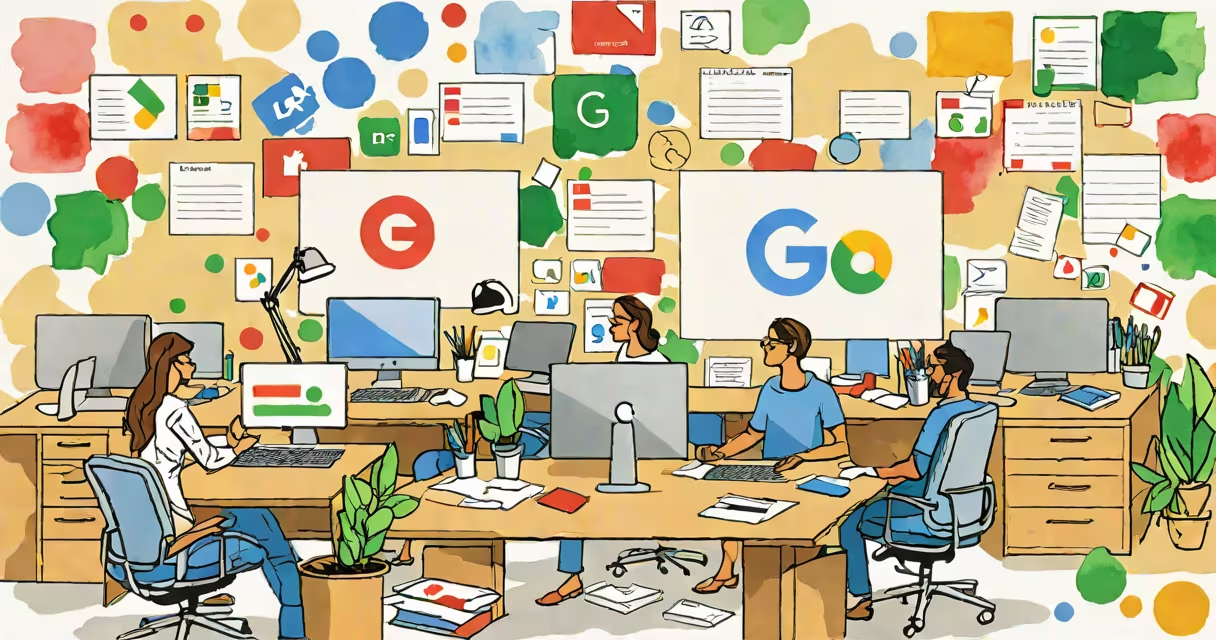
Google Office Applications are cloud-based productivity tools developed by Google, including Docs, Sheets, Slides, and Forms. These applications are part of Google Workspace and offer real-time collaboration features, allowing multiple users to edit documents simultaneously.
Google Office Applications operate through a web browser, eliminating the need for local software installation. Users access these tools via Google Drive, where files are stored in the cloud. Changes made to documents are saved automatically, and version history tracks edits over time.
For example, Google Docs allows users to create and edit text documents collaboratively. Multiple users can work on the same document simultaneously, with changes appearing in real-time. Comments and suggestions can be added, and users can see who is actively editing the document.
| Application | Primary Use |
|---|---|
| Google Docs | Word processing and document creation |
| Google Sheets | Spreadsheet creation and data analysis |
| Google Slides | Presentation creation and design |
| Google Forms | Survey and questionnaire creation |
Google Office Applications are widely used in educational institutions, businesses, and personal projects due to their accessibility and collaborative features. Schools and universities use these tools for assignments, group projects, and administrative tasks. Businesses rely on them for document management, data analysis, and presentations. Individuals use them for personal organization, budgeting, and creative projects.
According to Google, over 6 million organizations worldwide use Google Workspace, highlighting its widespread adoption and reliability.
One common misconception is that Google Office Applications lack the advanced features of traditional desktop software like Microsoft Office. However, Google Docs, Sheets, and Slides offer solid functionalities, including add-ons and integrations with other Google services. While they may not support all the advanced features of desktop software, they provide sufficient tools for most users' needs.
Another misconception is that Google Office Applications are less secure than traditional office software. In reality, Google implements strong security measures, including encryption, two-factor authentication, and regular security updates to protect user data.
I have personally used Google Docs for collaborative writing projects. The ability to see real-time edits and leave comments made the process smooth and efficient. The automatic saving feature ensured that no work was lost, even during unexpected interruptions.
For a detailed comparison of Google Office Applications with other productivity tools, see here.