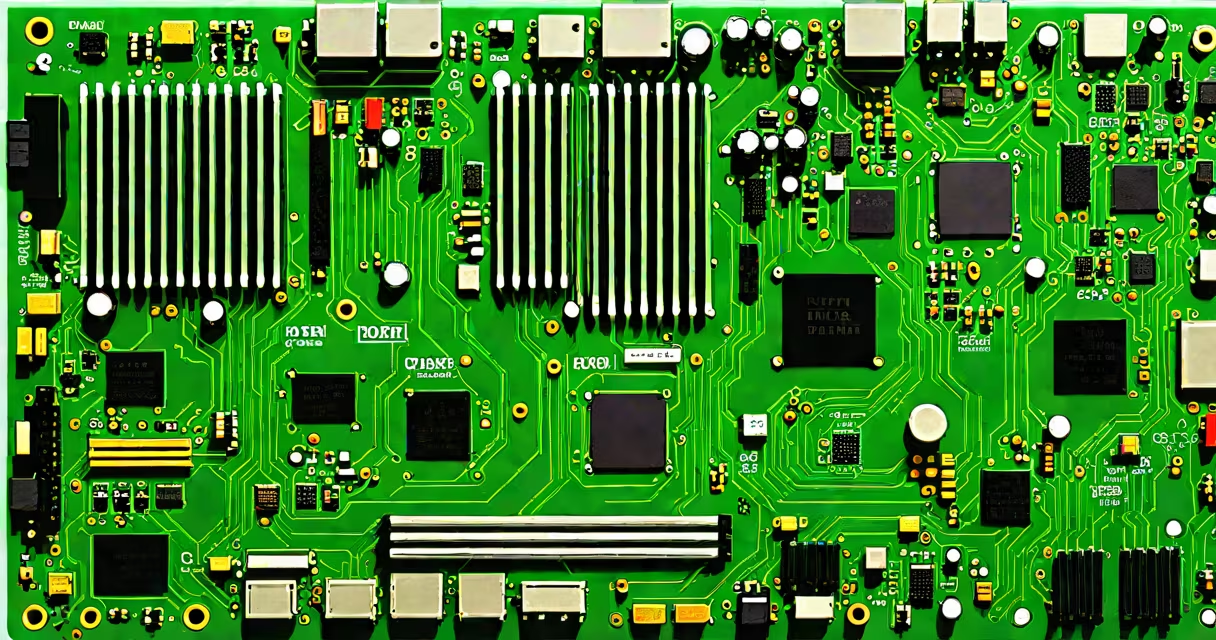
A computer motherboard is the main printed circuit board in a computer that connects all internal components. To find your specific motherboard model, use system information software or check the physical board itself.
Knowing your motherboard model helps with hardware compatibility checks, driver installations, and troubleshooting. For example, if you're upgrading your CPU, you need to ensure it's compatible with your motherboard's socket type.
Open the Start menu, type "System Information," and press Enter. In the System Information window, look for "System Model" under the System Summary section. This typically shows your motherboard manufacturer and model.
Tools like CPU-Z, Speccy, or HWInfo provide detailed hardware information. Download and install one of these tools, then run them to display your motherboard details. These programs often show additional information like BIOS version and chipset.
Open your computer case. The motherboard is usually mounted inside the case, secured with screws. On laptops, you may need to remove the back panel to access it.
Look for a label or sticker on the motherboard that includes the manufacturer name and model number. This is often located near the CPU or RAM slots. If there's no visible label, check the manual that came with your computer or contact the manufacturer.
Many people confuse the "System Manufacturer" and "System Product Name" in Windows System Information with the motherboard model. These fields often show the computer manufacturer and model instead. Always verify with physical inspection or third-party tools if you're unsure.
I recently helped a friend identify their motherboard. We opened the case and found a sticker near the CPU that read "ASUS ROG STRIX B550-F GAMING." Using this information, we verified compatibility before upgrading their RAM modules.