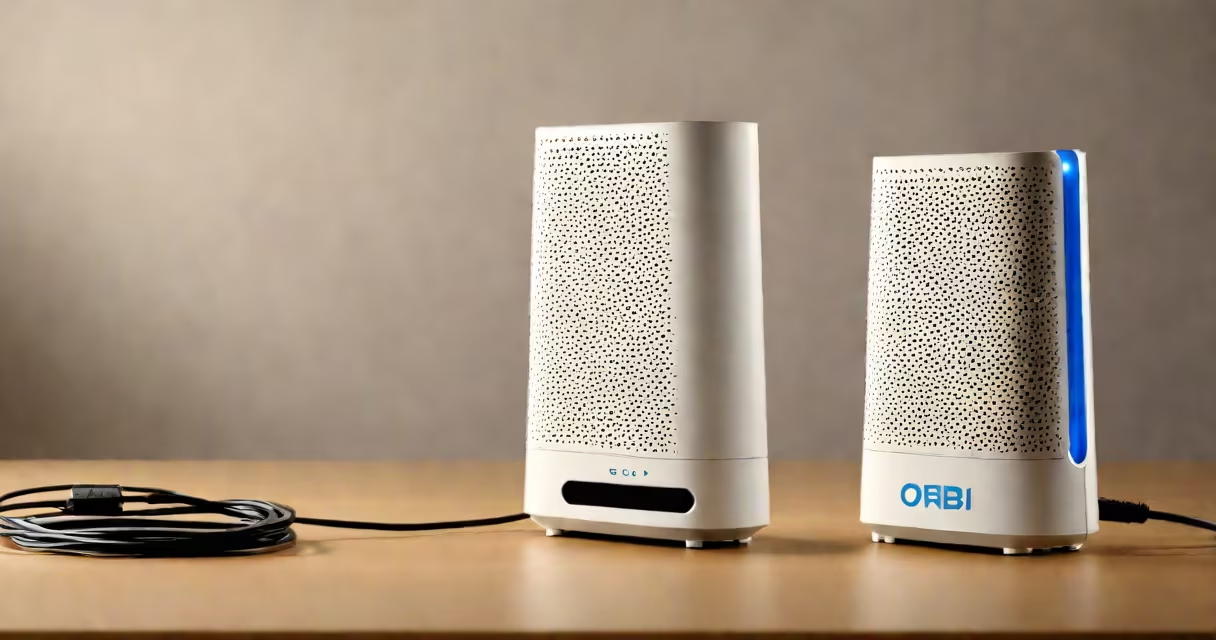
The Orbi router connects to your primary router or switch via Ethernet, converting it into an access point. It still uses the Orbi mesh system's software for smooth Wi-Fi handoffs between nodes, but all traffic routes through the primary router. This setup is ideal for extending Wi-Fi coverage in areas where running new Ethernet cables isn't feasible.
| Model | Supported Features |
|---|---|
| Orbi RBK50 | Dual-band, supports AP mode |
| Orbi RBK752 | Tri-band, supports AP mode |
| Orbi RBKE963 | Tri-band, supports AP mode |
Orbi as AP mode is common in homes and offices where a primary router provides internet access, but additional Wi-Fi coverage is needed. For example, a wired router in a basement might struggle to reach upper floors. Placing an Orbi router in AP mode on the upper floor extends Wi-Fi coverage while maintaining a single network name and password.
This setup is also useful in businesses where a central switch manages multiple access points. The Orbi's mesh capabilities ensure consistent performance across large areas without requiring additional configuration.
Some users confuse Orbi as AP mode with access point courses, which are training programs for networking professionals. Others assume AP mode disables mesh networking entirely, but the Orbi still maintains its mesh software for smooth roaming.
Another mistake is thinking AP mode requires a separate subnet. In reality, the Orbi integrates with the existing network, using the primary router's IP scheme.
To configure an Orbi router as an access point:
Once configured, the Orbi will appear as an access point in the network, extending Wi-Fi coverage while relying on the primary router for internet access.
Using an Orbi router as an access point simplifies network expansion without requiring complex configurations. The mesh software ensures consistent performance, and the setup process is straightforward. For users needing extended Wi-Fi coverage in specific areas, this mode offers a reliable solution.