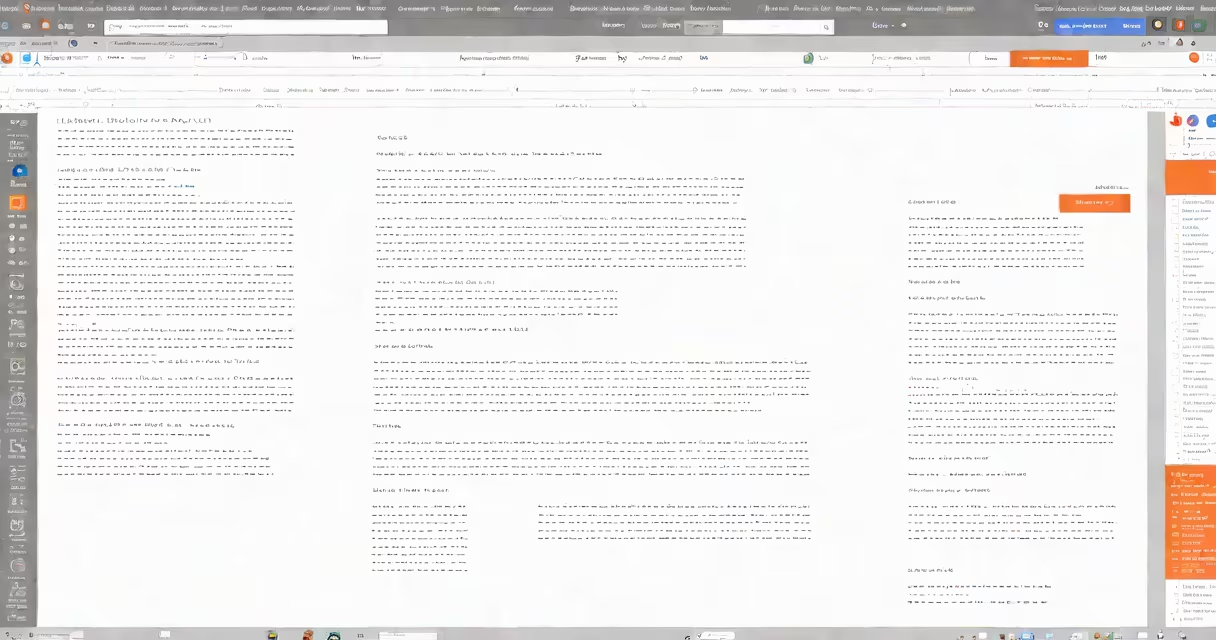
Pageless Google Docs is a formatting option that removes page breaks, creating a continuous document flow. This feature eliminates the need for manual page management while working on long documents.
When enabled, pageless mode transforms your document into a single, uninterrupted scroll. Instead of traditional pages, content flows continuously. This mimics reading experiences on websites or e-readers.
To activate pageless mode, go to the toolbar, click on "File," select "Page setup," and choose "Pageless" under the "Page" dropdown menu. The document will immediately adjust to the new format.
Pageless mode excels for long-form content like:
For example, authors often use pageless mode when drafting manuscripts, as it allows them to focus on content flow rather than page formatting. The continuous layout helps maintain narrative momentum during the creative process.
Many users confuse pageless mode with simply hiding page numbers. However, pageless mode fundamentally changes document structure by eliminating page boundaries entirely. Unlike traditional documents where content is divided into discrete pages, pageless documents flow continuously.
Another misconception is that pageless mode affects printing. In reality, you can still print pageless documents - Google Docs will automatically insert page breaks during printing to accommodate physical paper constraints.
When I wrote my first novel using Google Docs, I initially struggled with traditional page formatting. Each time I reached the bottom of a page, my train of thought was disrupted by the need to start a new page. Switching to pageless mode transformed my writing process. The continuous flow allowed me to maintain narrative momentum, and I could see my entire chapter at a glance by zooming out. When it came time to share with my editor, I simply toggled back to standard mode for the final version.
While pageless mode offers many advantages, it may not be suitable for all document types. Documents requiring precise page numbering, like academic papers with strict formatting guidelines, work better in standard mode. Also, complex layouts with multiple columns or specific page dimensions are easier to manage with traditional page formatting.
Google continues to improve pageless mode based on user feedback. Recent updates have improved performance with very long documents and added better support for different screen sizes. The company is also exploring ways to integrate pageless mode with other productivity tools in the Google Workspace system.