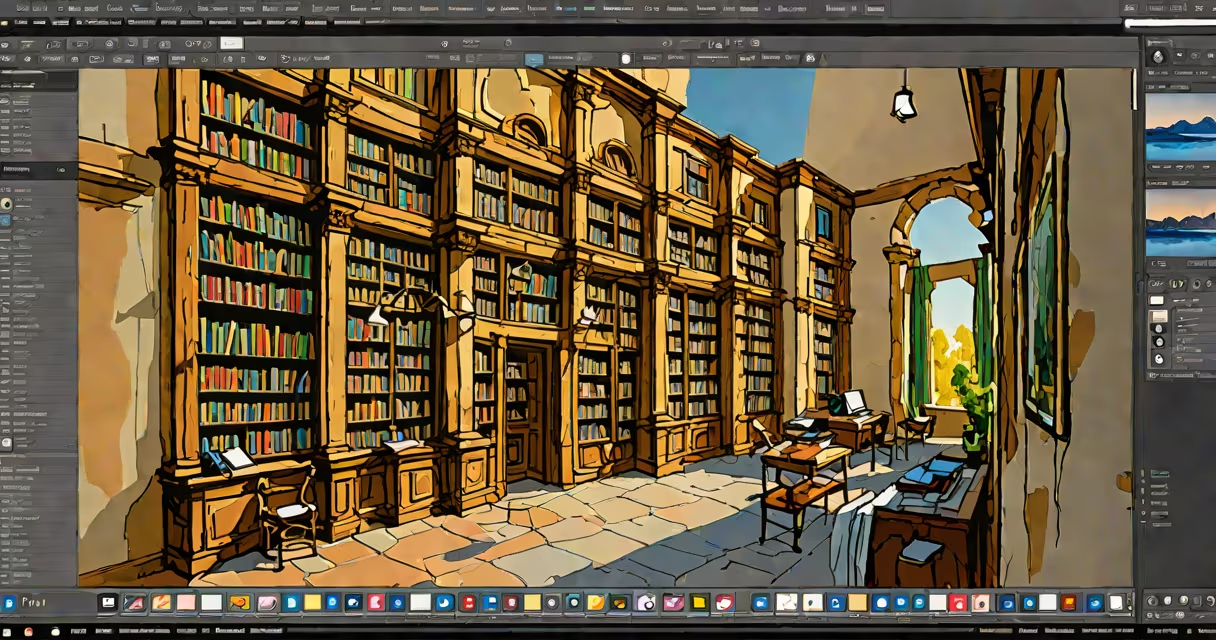
Photoshop Lightroom for PC is a dedicated photo editing and organization software designed for photographers, offering non-destructive editing and efficient workflow management.
Lightroom processes images using a database-driven catalog system, allowing photographers to manage thousands of photos efficiently. Unlike traditional editors like Photoshop, Lightroom uses non-destructive editing, meaning original files remain untouched while edits are stored separately.
The software operates in a modular interface with key areas: Library (for organizing), Develop (for editing), Map (for geotagging), Book (for creating photo books), Slideshow (for presentations), Print (for printing), and Web (for web galleries).
Lightroom comes in two primary versions for PC:
| Version | Key Features | Best For |
|---|---|---|
| Lightroom Classic | Advanced photo management, tethered capture, local adjustments | Professional photographers working with large catalogs |
| Lightroom CC | Cloud-based syncing, simplified interface, mobile integration | Amateurs and hobbyists who need cross-device access |
Both versions support RAW file processing, presets, and batch editing. Lightroom Classic offers more granular control over metadata and collections, while Lightroom CC provides smooth cloud synchronization across devices.
Many users confuse Lightroom with Adobe Photoshop, assuming they serve the same purpose. While both are part of Adobe's Creative Cloud set, they cater to different needs. Lightroom focuses on photo management and streamlined editing, whereas Photoshop offers advanced pixel-level manipulation and graphic design capabilities. Learn more about the differences between Photoshop and Lightroom.
Another misconception is that Lightroom is only for professionals. While it's useful enough for pros, its intuitive interface makes it accessible to beginners as well.
To edit a field photo in Lightroom, start by importing the image into the Library module. Apply a preset to quickly improve colors and tones. Switch to the Develop module to fine-tune exposure, contrast, and highlights. Use the Gradient Filter tool to darken the sky selectively. Finally, export the edited image in the desired format.
I once used Lightroom to edit a series of field photos taken during a sunrise. The software's batch editing feature allowed me to apply consistent adjustments to all images quickly, saving hours of manual work.
To install Lightroom on a PC, ensure your system meets the minimum requirements: Windows 10 (version 20H2 or later), Intel or AMD processor with at least 6 cores, 8GB RAM, and 10GB of available hard-disk space. Lightroom is available through Adobe Creative Cloud, either as a standalone subscription or as part of the Photography Plan, which includes Photoshop.
After purchasing a subscription, download the Creative Cloud desktop app, sign in with your Adobe ID, and install Lightroom. Once installed, launch the application and sign in again to activate it.
Photoshop Lightroom for PC is an essential tool for photographers seeking efficient photo management and editing capabilities. With its non-destructive editing workflow and useful features, it caters to both professionals and enthusiasts alike.