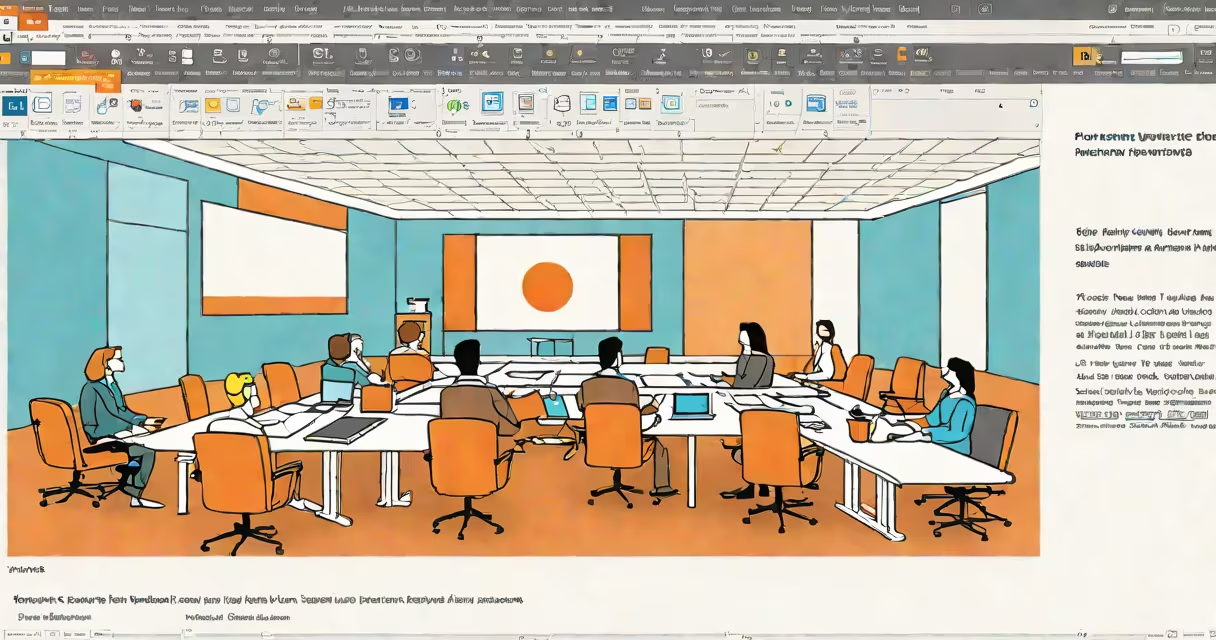
PowerPoint for desktop is Microsoft's offline presentation software for Windows and Mac, offering full editing capabilities and advanced features not available in the web version. It's part of Microsoft 365 and the standalone Office 2021 set.
Unlike the online version, PowerPoint for desktop runs locally on your computer. This allows for complex animations, custom designs, and large file handling without internet dependency. You save files in .pptx format, which retains all formatting and media.
The desktop version includes:
For example, you can create morph transitions between slides, which smoothly animates objects from one slide to another-a feature absent in PowerPoint Online.
Professionals in business, education, and marketing rely on PowerPoint for desktop to create high-stakes presentations. Its offline capability makes it ideal for environments with unreliable internet. Schools and universities often require it for coursework involving multimedia presentations.
People often confuse PowerPoint for desktop with PowerPoint Online. The web version lacks many features, such as advanced animations and certain design tools. Another mistake is assuming it's only for Windows-it's also available for Mac, though with some feature differences.
Some believe you need Microsoft 365 to use it, but the standalone Office 2021 version includes PowerPoint for desktop without a subscription. However, Microsoft 365 users get regular updates and cloud features like co-authoring.
To install PowerPoint for desktop, download it from Microsoft's website or through Microsoft 365. The setup process guides you through installation and activation. Once installed, you'll see the familiar ribbon interface with tabs for Home, Insert, Design, and more.
If you're new to PowerPoint, start with a template. Go to File > New > Sample Templates to browse options. For a quick test, try inserting a video or creating a custom animation path-features unique to the desktop version.