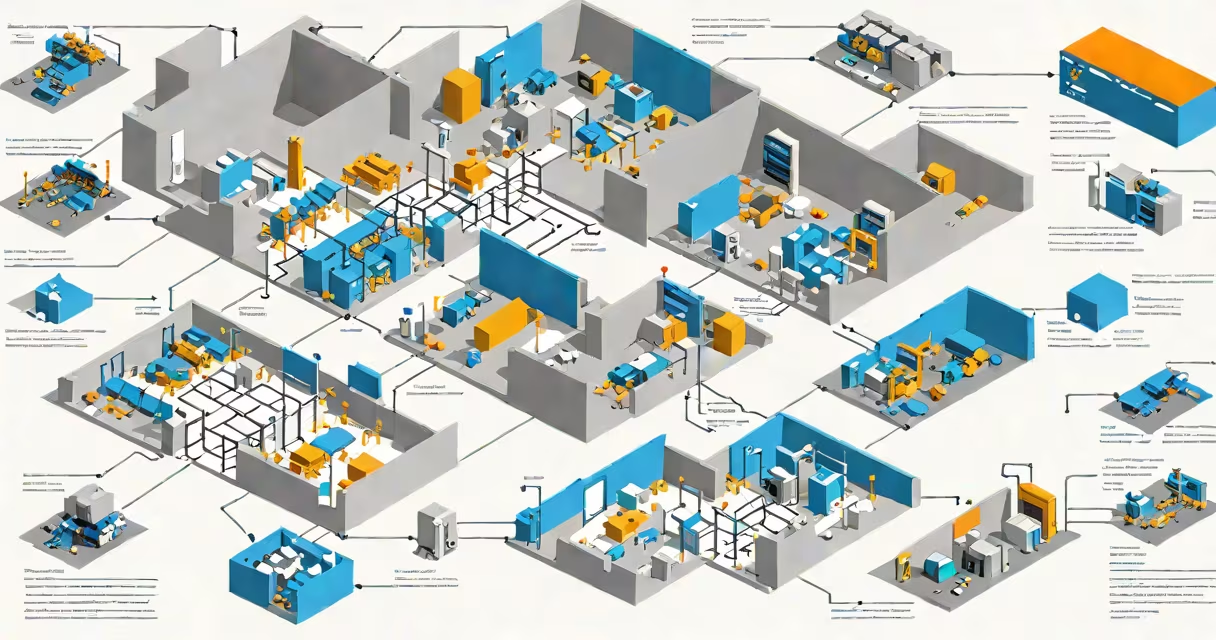
An RDS server in Azure is a virtual machine configured to run Remote Desktop Services, Microsoft's platform for delivering Windows desktops and applications remotely. Azure provides the infrastructure while RDS handles the session management, making it ideal for organizations needing centralized application access.
When you deploy an RDS server in Azure, you're creating a virtualized Windows environment accessible from anywhere. Users connect through the Remote Desktop Protocol (RDP), which encrypts the connection for security. The Azure VM hosts the RDS role, while Azure Active Directory or another identity provider handles authentication.
The setup typically involves:
An RDS deployment in Azure consists of several key components working together:
| Component | Purpose |
|---|---|
| Connection Broker | Manages user sessions and load balances connections |
| Session Host | Runs the actual applications and desktops |
| Web Access | Provides a web portal for users to access resources |
| Gateway | Secures external connections via RDP |
Organizations use RDS servers in Azure for scenarios requiring centralized application access, such as:
For example, a company with 500 employees in different locations might deploy RDS in Azure to provide consistent access to a custom ERP system without installing it on each employee's device.
While both RDS and VDI provide remote access to desktops, they differ:
RDS is session-based, meaning multiple users share the same server resources but get their own isolated session. This makes RDS more resource-efficient for application delivery. In contrast, VDI provides each user with a dedicated virtual machine, offering more isolation but consuming more resources.
According to Microsoft's documentation, RDS is generally better suited for application delivery while VDI excels in scenarios requiring full desktop personalization.
When setting up an RDS server in Azure, consider these factors:
Proper planning ensures your RDS deployment meets performance and security requirements while controlling costs.