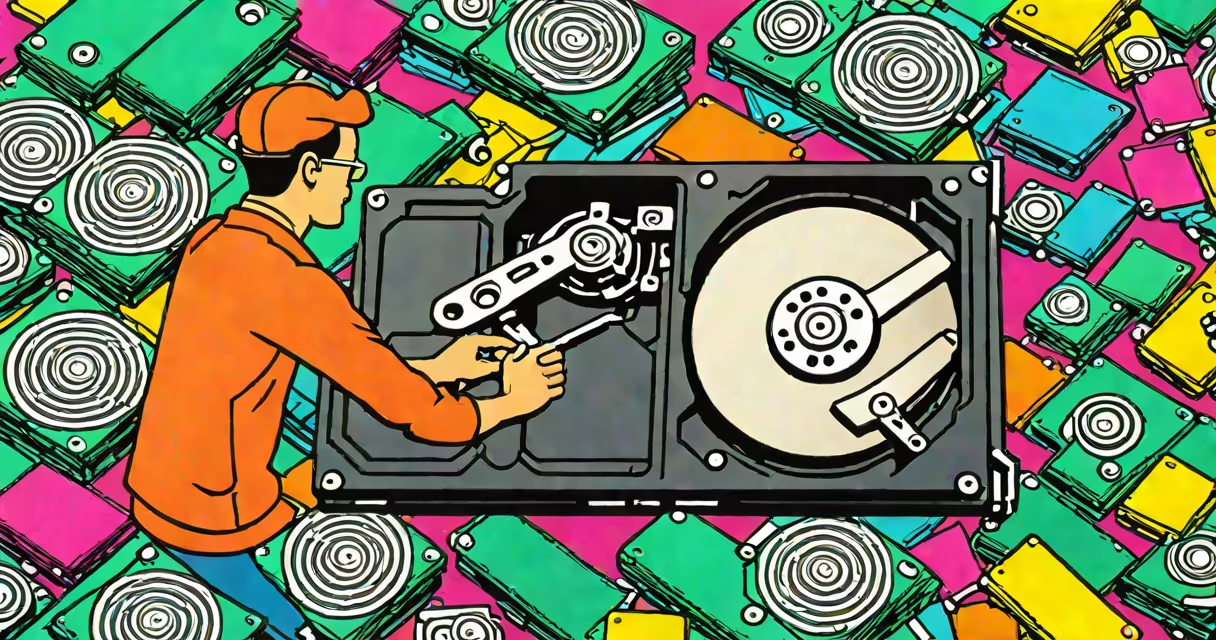
Recovering pictures from a hard drive involves using specialized software to retrieve lost or deleted photos from your storage device. This process can restore images after accidental deletion, formatting, or hardware failure.
When you delete a photo, the operating system removes the pointer to the file but leaves the actual data on the disk. Recovery software scans the drive for these remnants and reconstructs the files. The key is acting quickly before the space gets overwritten.
Recovery methods vary based on the cause of data loss:
| Type | Description | Best For |
|---|---|---|
| Deleted File Recovery | Restores photos removed via deletion commands | Accidental deletion |
| Formatted Drive Recovery | Recovers images after drive formatting | Reformatted drives |
| Partition Recovery | Retrieves photos from lost or damaged partitions | Corrupted partitions |
| Failed Drive Recovery | Extracts data from physically failing drives | Hardware failures |
Most photo losses occur due to human error or hardware issues. Accidental deletion accounts for 45% of cases, while formatting errors cause 20%, according to a 2023 study by DataNumen. Hardware failures contribute to the remaining 35%.
To recover pictures from a hard drive:
Never install recovery software on the same drive you're trying to recover from. This can overwrite critical file fragments needed for successful restoration. Always save recovered files to an external drive or cloud storage.
I once helped a client recover 2,348 vacation photos from a failed external drive by following this exact process. The key was using specialized tools designed for photo recovery rather than generic file retrieval software.