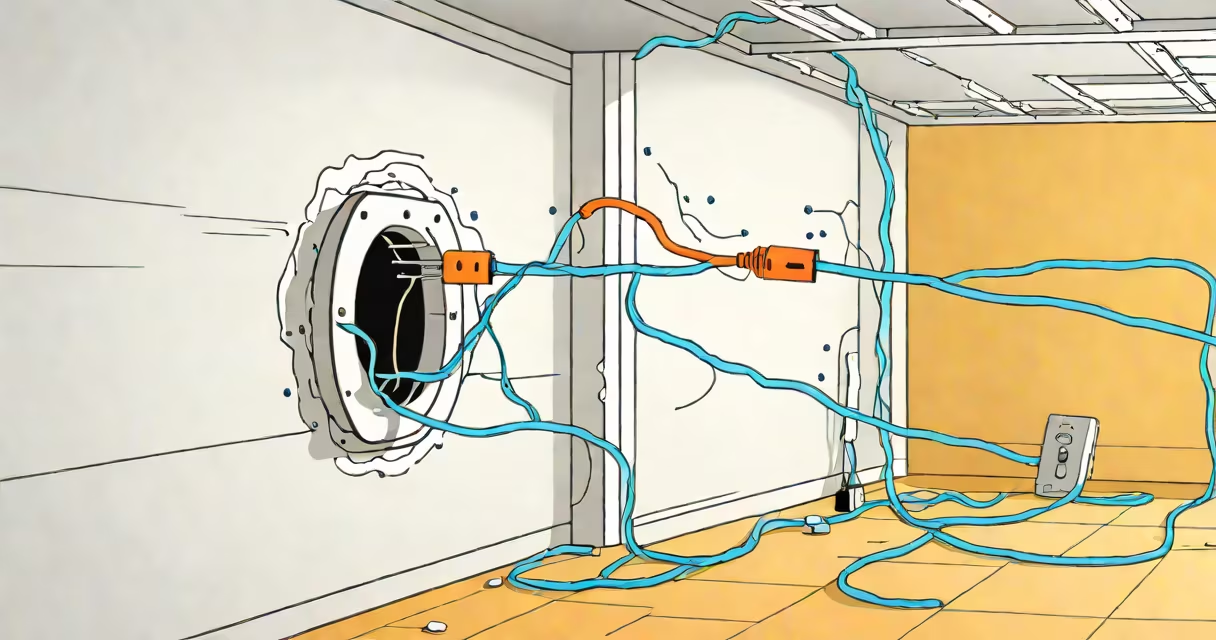
Running ethernet cable through walls involves drilling holes and threading cables to create a permanent wired internet connection between rooms. This method eliminates Wi-Fi dead zones and provides faster, more stable connections.
Ethernet cables transmit data via electrical signals. Running them through walls connects devices directly to your router or modem, bypassing wireless interference. The process requires planning, tools, and careful execution to avoid damaging existing wiring or structural elements.
| Category | Max Speed | Common Uses |
|---|---|---|
| Cat5e | 1 Gbps | Most homes, basic office networks |
| Cat6 | 10 Gbps (up to 55 meters) | High-performance gaming, streaming, offices |
| Cat6a | 10 Gbps (up to 100 meters) | Enterprise networks, data centers |
Homeowners and businesses use this method to connect routers, TVs, computers, and gaming consoles. It's ideal for spaces with thick walls, multiple floors, or where Wi-Fi signals struggle. A permanent wired connection reduces latency and improves reliability for activities like video calls, online gaming, and 4K streaming.
For example, a family might run ethernet cables through their home's walls to connect a router in the basement to devices in upstairs bedrooms. This setup ensures consistent internet speeds for each device without relying on a wireless signal.
Many people assume running ethernet cables requires professional help, but DIY installation is possible with the right tools and precautions. Another misconception is that any cable will work, but using the wrong category (like Cat5 instead of Cat6) can limit performance.
Always turn off power before drilling near electrical wires. Check local building codes for any restrictions on running cables through walls. Using a cable tester ensures proper connections and avoids signal loss.
According to the Telecommunications Industry Association, ethernet cables should not exceed 100 meters (328 feet) for optimal performance. Longer runs may require signal boosters or repeaters.