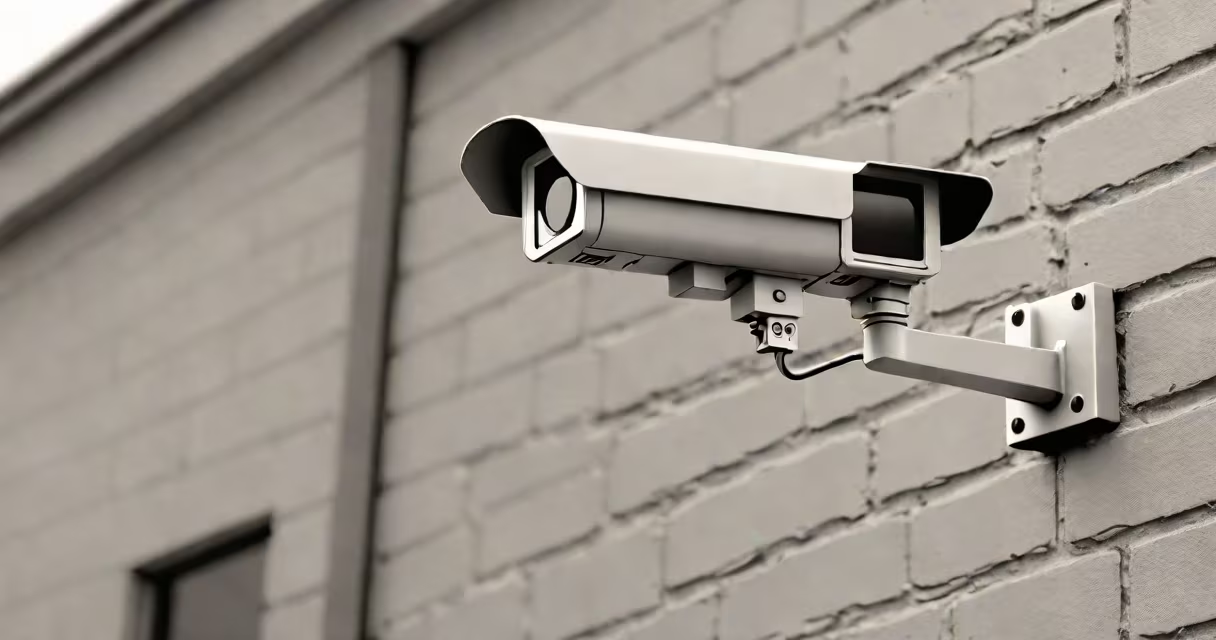
Security cameras without a subscription record and store video footage locally, eliminating recurring cloud storage fees. These systems typically use microSD cards, network-attached storage (NAS), or onboard hard drives instead of cloud-based solutions.
These cameras connect directly to a local network via Ethernet or Wi-Fi. Footage is saved to internal or external storage devices, accessible through a mobile app or web interface. Most models offer motion-activated recording to conserve storage space.
| Type | Storage Options | Key Feature |
|---|---|---|
| Wired | MicroSD, NAS, DVR/NVR | Continuous power, stable connection |
| Wireless | MicroSD, USB flash drive | Easy installation, flexible placement |
Many assume these cameras lack advanced features like facial recognition or AI alerts. However, some models offer these capabilities through local processing, without needing cloud connectivity. For example, the Amcrest IP5M-T1179EW provides person detection using onboard analytics.
To install a wired camera with local storage:
I installed a Reolink RLC-811A this way in my garage. The setup took about 30 minutes, and I've had zero subscription costs since then.
Opt for these cameras if you:
Local storage has capacity limits. A 128GB microSD card might hold only 24 hours of 1080p footage from one camera. Some users supplement with a NAS device for expanded storage., accessing footage remotely requires setting up port forwarding on your router, which may create security vulnerabilities if not configured properly.
According to a 2023 study by Statista, 63% of U.S. smart home device owners prefer local storage options for their security cameras. This trend reflects growing concerns about data privacy and long-term costs.