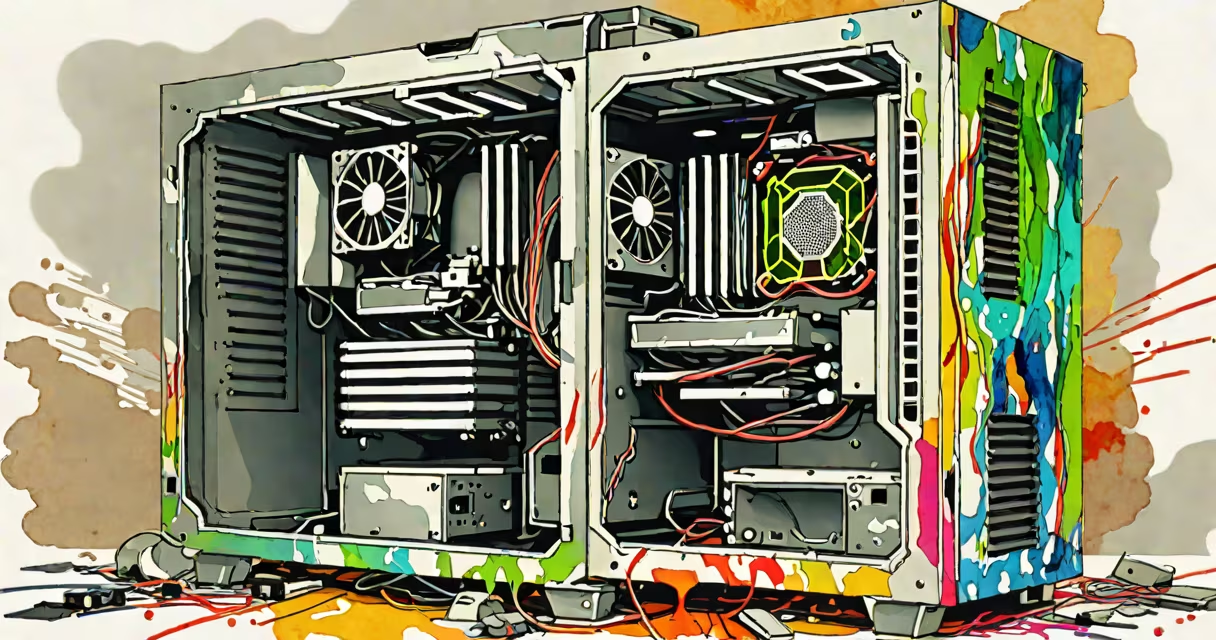
A **GPU** (graphics processing unit) is the hardware component in your computer that renders images, videos, and animations. To find out what GPU you have, open the Start menu, type "Device Manager," and select it. In Device Manager, expand the "Display adapters" section to see your GPU model.
GPUs process massive amounts of data simultaneously to generate the visuals you see on screen. Unlike CPUs, which handle general computing tasks, GPUs specialize in parallel processing, making them ideal for graphics-intensive tasks like gaming, video editing, and machine learning.
There are two primary types of GPUs: dedicated and integrated.
| Type | Description | Example |
|---|---|---|
| Dedicated GPU | A separate card installed in your computer, providing superior performance for graphics-intensive tasks. | NVIDIA GeForce RTX 3060 |
| Integrated GPU | Built into the CPU, offering basic graphics capabilities suitable for everyday tasks. | Intel UHD Graphics 630 |
Many people confuse GPUs with CPUs, thinking they serve the same purpose. However, while CPUs manage computing tasks, GPUs focus solely on rendering graphics., not all GPUs are created equal-dedicated GPUs offer far better performance than integrated ones.
To check your GPU's specifications, use tools like GPU-Z or the DirectX Diagnostic Tool. These tools provide detailed information about your GPU, including its model, driver version, and performance metrics.
When building my first gaming PC, I initially thought any GPU would suffice. However, after installing an integrated GPU, I realized it couldn't handle the latest games. Upgrading to a dedicated GPU improved performance, proving the importance of knowing your GPU's capabilities.