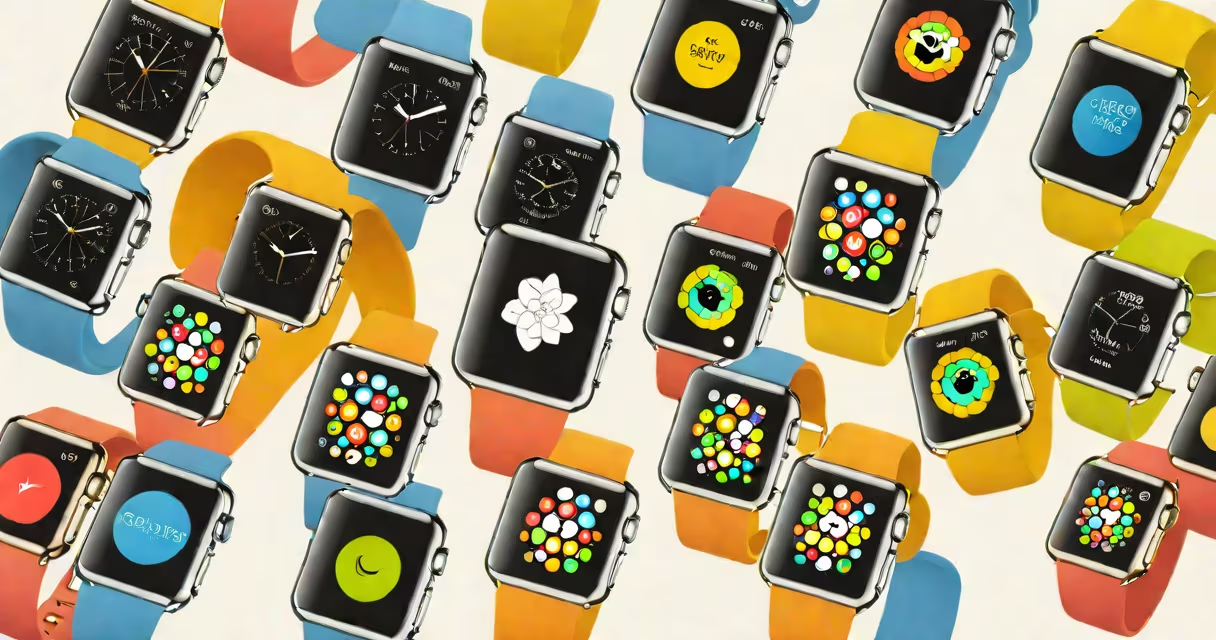
The Apple Watch launched on April 24, 2015, with new models released annually. The latest series, Apple Watch Series 9, debuted on September 18, 2023.
Apple releases new Apple Watch models every year, typically in September. Here's a breakdown of each model's release date:
| Model | Release Date |
|---|---|
| Original Apple Watch | April 24, 2015 |
| Apple Watch Series 1 | September 16, 2016 |
| Apple Watch Series 2 | September 16, 2016 |
| Apple Watch Series 3 | September 22, 2017 |
| Apple Watch Series 4 | September 21, 2018 |
| Apple Watch Series 5 | September 20, 2019 |
| Apple Watch Series 6 | September 18, 2020 |
| Apple Watch Series 7 | October 15, 2021 |
| Apple Watch SE (1st generation) | September 18, 2020 |
| Apple Watch Series 8 | September 16, 2022 |
| Apple Watch SE (2nd generation) | September 16, 2022 |
| Apple Watch Series 9 | September 18, 2023 |
Apple follows a consistent annual release cycle for the Apple Watch, similar to its iPhone updates. New models typically arrive in September, with preorders starting a week before the official release. This schedule allows Apple to integrate the latest advancements in health tracking, processing power, and design improvements.
Each new Apple Watch model introduces enhancements in health monitoring, performance, and design. For example, the Apple Watch Series 4 introduced a larger display and advanced heart sensors, while the Series 7 focused on durability and faster charging. The latest models continue to refine these features, adding capabilities like blood oxygen monitoring and improved workout tracking.
Many people assume that Apple releases new Apple Watch models alongside new iPhones every year. While this is often true, there have been exceptions. For instance, the Apple Watch Series 3 remained on sale for two years after its release, with no immediate successor., some models, like the Apple Watch SE, are budget-friendly versions designed to offer core features at a lower price point.
To determine which Apple Watch model you own, go to the Watch app on your iPhone, select "General," then "About." The model name and version will appear under "Software Version." This information helps ensure compatibility with the latest software updates and features.