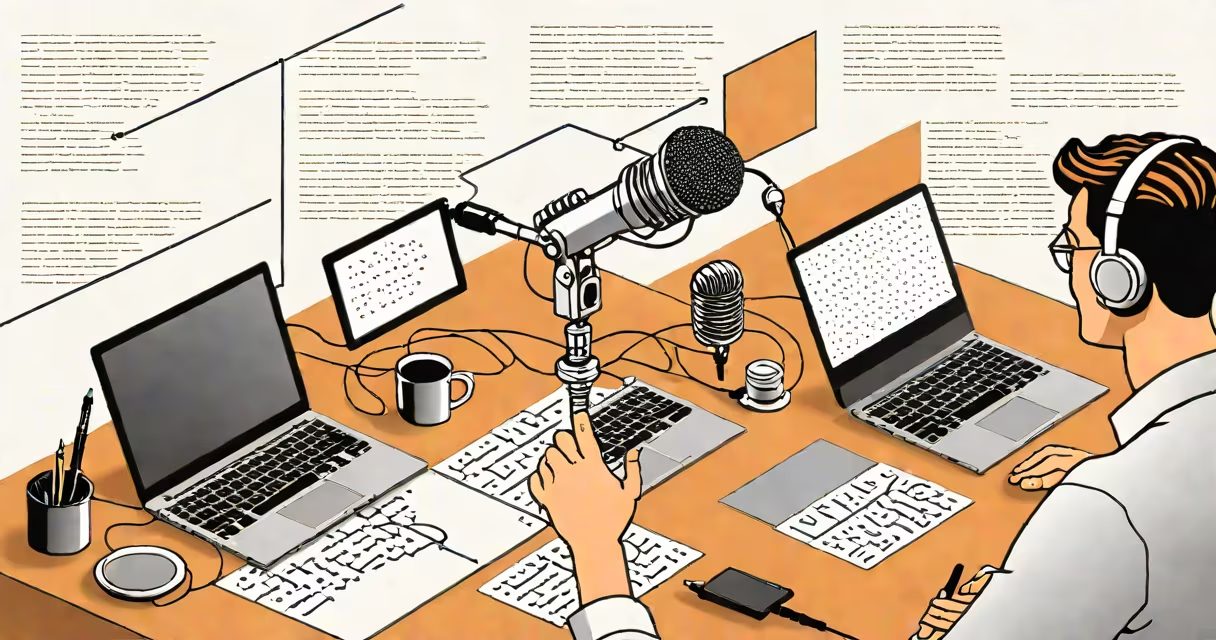
Write out loud is a writing technique where you speak your thoughts aloud and use speech recognition software to convert them into text. This method mimics natural conversation patterns, helping you draft content faster and with less editing.
Speech recognition tools like Google Docs Voice Typing or Dragon NaturallySpeaking transcribe spoken words into written text. You speak into a microphone, and the software converts your speech into typed words on the screen. The process is similar to dictation but tailored for creative or technical writing.
| Software | Key Features | Best For |
|---|---|---|
| Google Docs Voice Typing | Free, cloud-based, integrates with Google Docs | Basic writing tasks, notes, emails |
| Dragon NaturallySpeaking | Advanced features, high accuracy, offline use | Professional writing, legal documents, medical reports |
| Apple Dictation | Built into macOS and iOS, simple interface | Quick notes, messages, short documents |
Many writers find that speaking their ideas aloud helps them articulate thoughts more than typing. This method reduces the mental load of typing, allowing for a more natural flow of ideas. It's particularly useful for overcoming writer's block or generating first drafts quickly.
Some people believe that writing out loud is only for those who struggle with typing or have disabilities. However, many professional writers use this technique to improve efficiency and creativity. It's not a replacement for traditional writing but a complementary tool.
Another misconception is that speech recognition software is inaccurate. While early versions had issues with understanding different accents or background noise, modern tools like Dragon NaturallySpeaking have high accuracy rates, often exceeding 99% with proper training.
I tried using Google Docs Voice Typing to draft a short story. Initially, I was skeptical about the software's ability to capture my thoughts accurately. However, after a few minutes of practice, I found that speaking my ideas aloud helped me structure the narrative more effectively. The software handled my pauses and corrections well, and I was able to produce a coherent first draft in half the time it usually takes me to type.