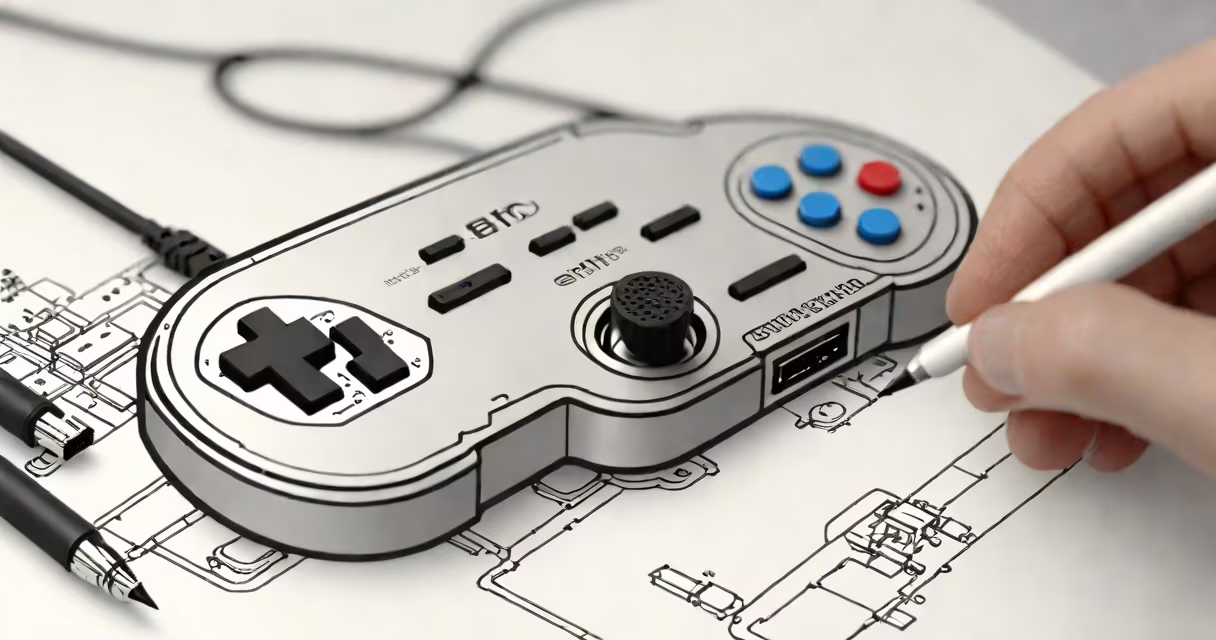
The 8bitdo upgrade tool is a software application that updates the firmware of 8bitdo Bluetooth controllers, improving performance and adding new features. It connects to controllers via USB to install official firmware files.
The tool runs on Windows, macOS, or Linux computers. Users download the latest firmware file from 8bitdo's website, then use the upgrade tool to flash it onto their controller. The process takes about 30 seconds and doesn't require technical expertise.
The upgrade tool works with most 8bitdo Bluetooth controllers, including:
It also supports some third-party controllers that use 8bitdo firmware.
Firmware updates fix bugs, improve Bluetooth connectivity, and add support for new games. For example, the Pro 2 controller gained gyroscope functionality through a firmware update. Without updates, older controllers may struggle with newer games.
I've used the upgrade tool to update my SN30 Pro controller twice. Each time, the process was straightforward, and the updates resolved minor connectivity issues I'd experienced with certain games.
Another myth is that updating firmware voids warranties. According to 8bitdo's support page, official firmware updates don't affect warranty coverage.
If your controller isn't recognized during the update process:
For persistent issues, contact 8bitdo support with your controller model and error message.