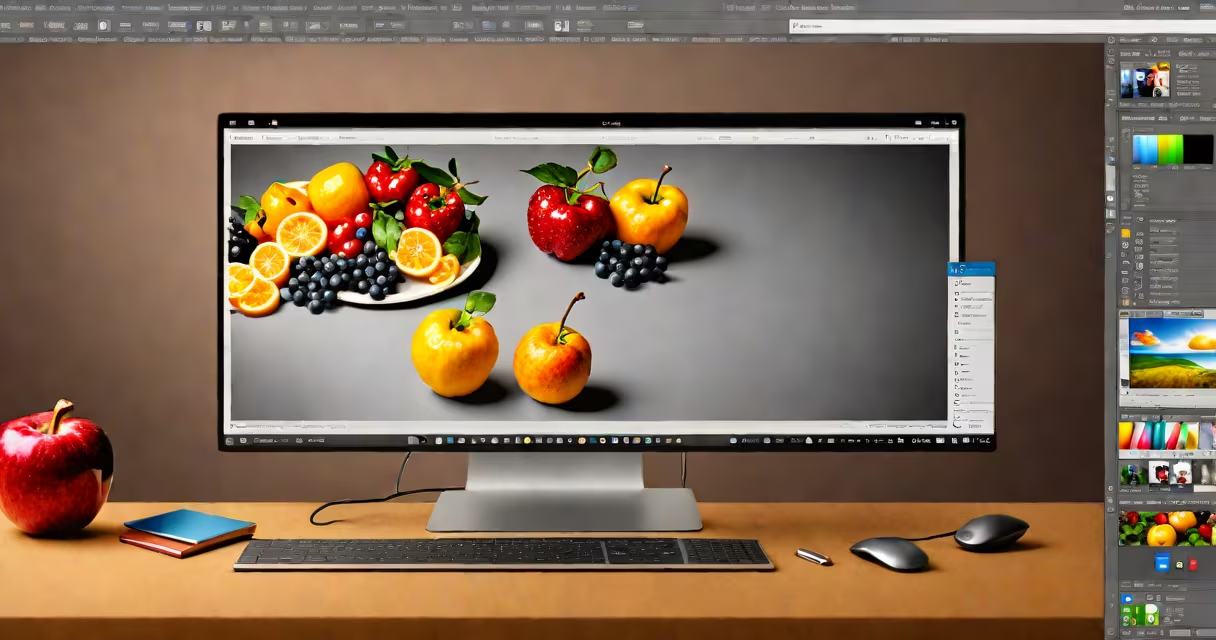
Adobe Photoshop for web design is a raster-based graphics editor that creates visual elements for websites, including layouts, images, and interactive prototypes. It combines pixel editing with vector tools to support responsive design workflows.
Photoshop uses a layer-based system where each element exists on its own layer, allowing designers to edit components independently. The software supports various file formats like PSD (Photoshop Document), PNG, JPEG, and SVG. For web design, designers often work with artboards to create multiple screen sizes simultaneously.
Key features include:
To design a responsive header:
| Feature | Photoshop | Figma | Adobe XD |
|---|---|---|---|
| Raster Graphics | Yes | Limited | Limited |
| Vector Graphics | Yes | Yes | Yes |
| Prototyping | Basic | Advanced | Advanced |
| Collaboration | Limited | Cloud-based | Cloud-based |