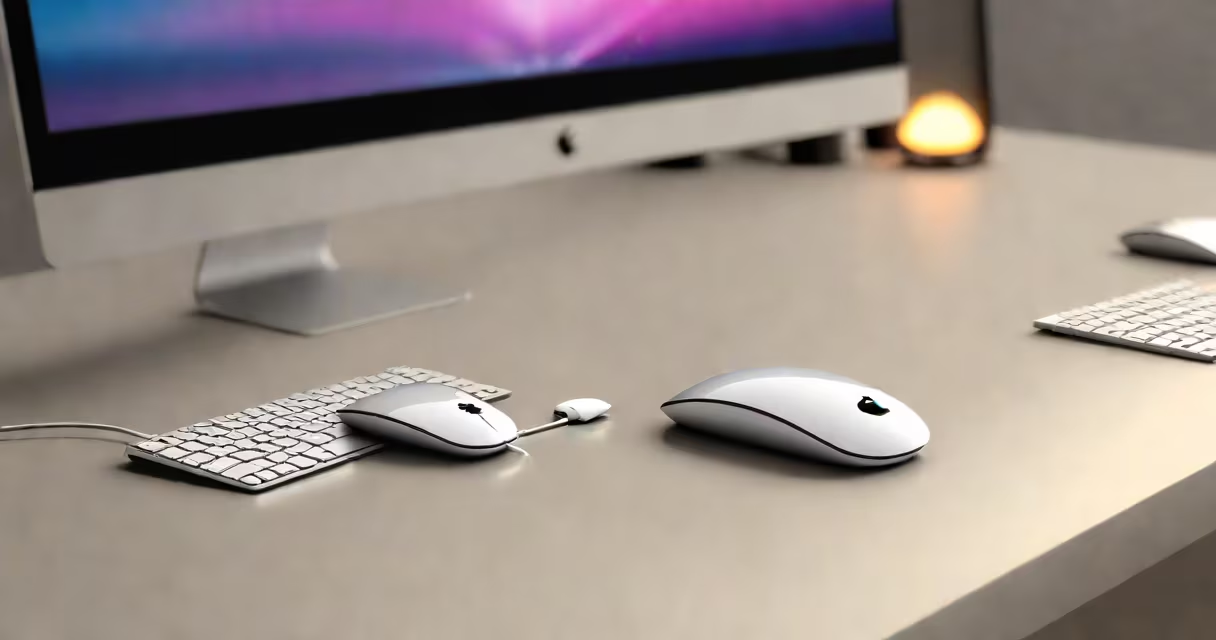
The apple magic mouse driver for windows is software that enables Apple's wireless mouse to function properly on Windows operating systems by translating macOS-specific gestures into Windows-compatible inputs. This driver bridges the gap between Apple's hardware and Microsoft's OS.
The driver acts as a translator between the hardware and the operating system. When you move the mouse or perform a gesture, the driver converts these actions into signals that Windows can understand and process. Without this driver, many of the Magic Mouse's features would either not work or function improperly.
The driver enables several key functions:
To install the driver, follow these steps:
Users may encounter issues such as disconnected Bluetooth, unresponsive gestures, or incorrect button mappings. These can often be resolved by:
For more detailed troubleshooting, consult Apple's support documentation or community forums.
I've personally used the apple magic mouse driver for windows on several Windows PCs, and while the setup process is straightforward, occasional Bluetooth connectivity issues required troubleshooting. The driver generally works well once properly installed and configured.