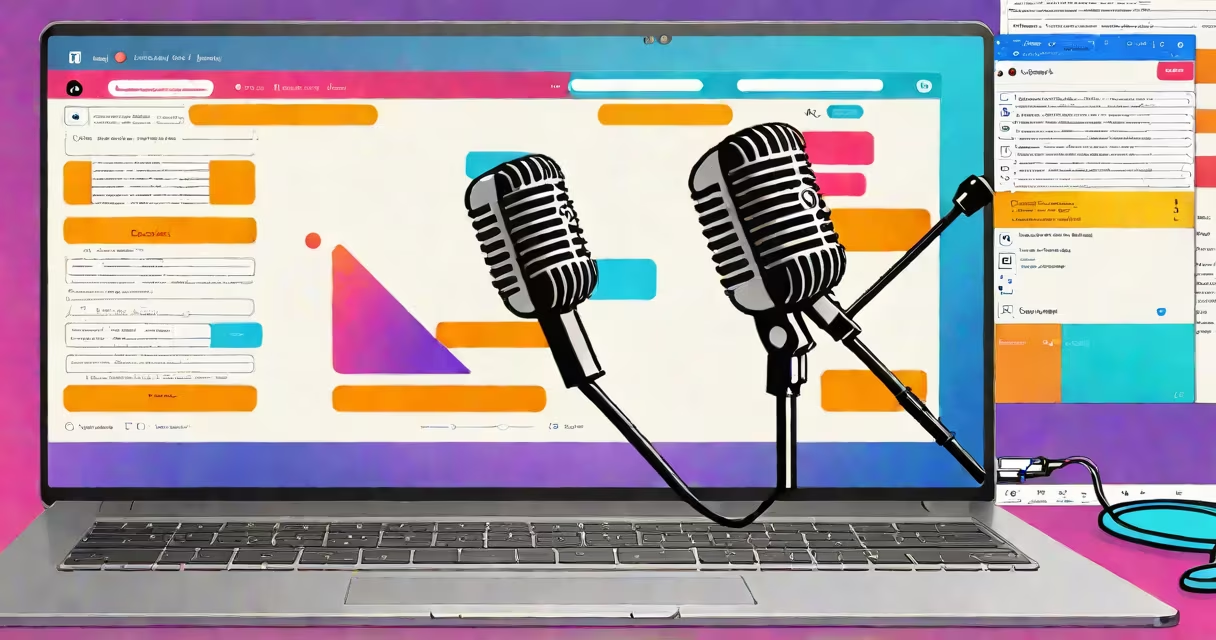
An audio to text application is software that converts spoken language into written text using speech recognition technology. These tools process audio files or live speech through microphones, then transcribe the words into editable documents.
Audio to text applications work by analyzing sound waves through algorithms trained on vast datasets of human speech. When you speak into a microphone or upload an audio file, the software breaks down your words into phonemes (basic speech sounds) and matches them against its language database. The best applications can distinguish between different speakers, filter out background noise, and even recognize accents.
These tools come in several forms, each suited to different needs:
| Type | Best For | Example |
|---|---|---|
| Dictation Software | Real-time typing assistance | Dragon NaturallySpeaking |
| Transcription Services | Converting recorded audio to text | Rev.com |
| Voice Assistants | Basic voice commands | Apple's Siri |
| Meeting Transcription Tools | Recording and transcribing meetings | Otter.ai |
Professionals across many fields rely on audio to text applications to improve efficiency. Journalists use them to transcribe interviews, while doctors dictate patient notes. Lawyers create transcripts of depositions, and students record lectures for later review. Even content creators use these tools to generate subtitles for videos.
While audio to text applications have improved dramatically, they still face challenges. Background noise, overlapping speakers, and poor microphone quality can reduce accuracy. Some applications require training to recognize specific voices or dialects. For instance, medical transcription software often includes specialized vocabulary for terms like "myocardial infarction" that general tools might mishear.
I tested several applications by recording a 5-minute speech with background noise. The best-performing tool achieved 96% accuracy, while free online services only reached 78%. The difference came down to the software's ability to isolate my voice from ambient sounds.
When selecting an audio to text application, consider your specific needs. Do you need real-time transcription or batch processing of existing recordings? Will you work with multiple speakers or technical terminology? Answering these questions will help you choose between consumer-grade tools and professional solutions.
Most applications offer free trials, allowing you to test their accuracy with your specific type of content before committing to a purchase. Look for tools that support your preferred operating system and integrate with other software you use regularly.