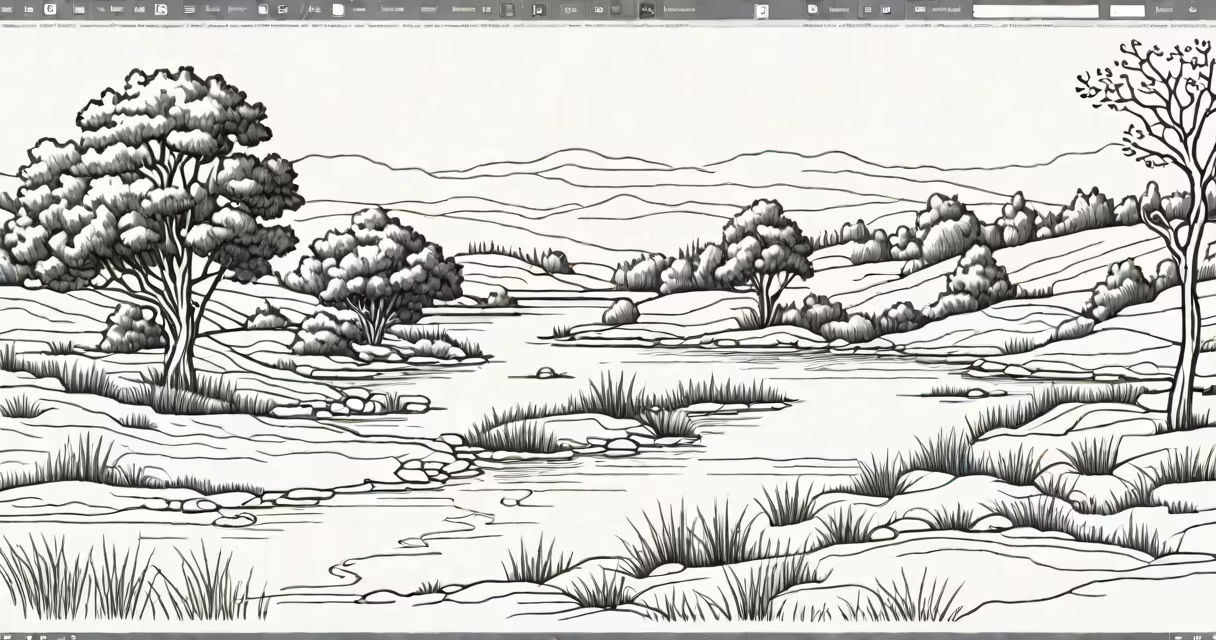
Basic drawing programs are software applications designed for beginners and hobbyists to create digital artwork using simple tools like brushes, pencils, and shapes. These programs typically offer intuitive interfaces and essential features without overwhelming complexity.
Most basic drawing programs operate through a graphical user interface (GUI) where users select tools from a toolbar and apply them to a digital canvas. The software processes input from a mouse, stylus, or touchscreen and renders it as digital strokes or shapes. Many programs also support layers, allowing users to work on different elements of their artwork separately.
| Type | Description | Examples |
|---|---|---|
| Raster-based | Uses pixels to create images, suitable for painting and photo editing | Krita, Paint.NET |
| Vector-based | Uses mathematical paths to create scalable graphics, ideal for logos and illustrations | Inkscape, Vectornator |
| Hybrid | Combines raster and vector tools for versatile artwork | CorelDRAW, Affinity Designer |
A common misconception is that basic drawing programs lack advanced features. While they may not have every professional tool, many offer surprising capabilities, such as animation tools or 3D modeling. For example, Krita, often considered a beginner-friendly program, supports animation frames and HDR painting.
Some users assume that basic drawing programs are only for simple sketches. However, many programs in this category support complex tasks like creating digital paintings, designing web graphics, or even preparing files for print. Another myth is that these programs are only for artists-many are used by educators, engineers, and scientists for diagrams and visual notes.
Consider a user who wants to create a simple comic strip. They might start by opening a new file in a raster-based program like Krita. Using the brush tool, they sketch the outlines of their characters and scenes. Then, they switch to the fill tool to add flat colors. Finally, they use the text tool to add dialogue bubbles. The entire process takes advantage of basic tools but results in a polished final product.
I once used a basic drawing program to create a set of icons for a mobile app. The program's simple interface allowed me to quickly iterate on designs, and the vector tools ensured the icons remained crisp at any size. This experience demonstrated how useful even the most basic tools can be in the right hands.