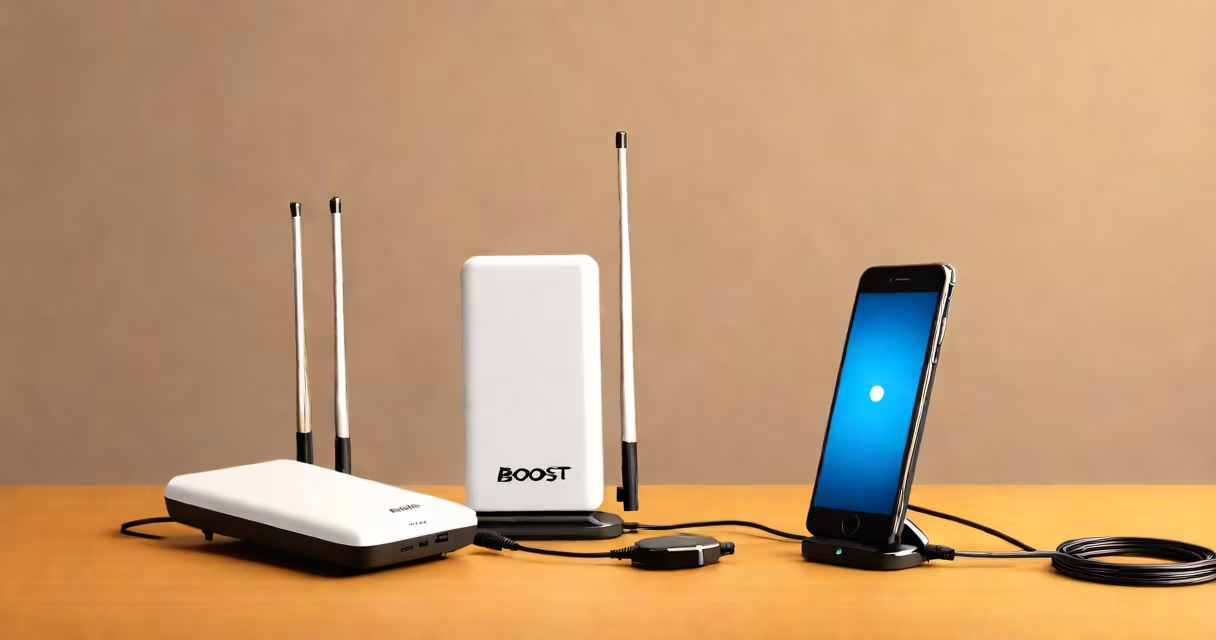
Boost phone signal at home by using cell signal boosters, Wi-Fi calling, or repositioning your router. These methods improve reception in areas with weak signals.
Cell signals travel from nearby towers to your phone. Walls, distance, and interference weaken them, creating dead zones. A weak signal means dropped calls, slow data, and poor call quality.
Several methods can strengthen your signal:
Boosters consist of three parts: an external antenna, an amplifier, and an internal antenna. The external antenna captures the weak signal, the amplifier strengthens it, and the internal antenna rebroadcasts it inside your home.
Wi-Fi calling routes your calls through your internet connection instead of cellular networks. This method works well in basements or areas with poor reception. Most modern smartphones support Wi-Fi calling, including iPhones and Android devices.
To enable Wi-Fi calling on an iPhone, go to Settings > Phone > Wi-Fi Calling. On Android, the path varies by manufacturer but is usually under Settings > Network & Internet > Mobile Network > Advanced > Wi-Fi Calling.
Simple tweaks can sometimes make a big difference. Try moving your router near a window or higher up, such as on a shelf or mounted on a wall. Avoid placing it near large appliances or thick walls that can block signals.
I tested this in my own home by moving the router from a corner cabinet to a central location on a bookshelf. The signal improved noticeably in previously weak areas.
Many people think that adding more bars to their signal means better performance. However, the number of bars is not always accurate. Instead, focus on actual call quality and data speed.
Another myth is that only expensive solutions work. Affordable options like signal boosters under $100 can improve reception in small spaces.
Boost phone signal at home using a combination of boosters, Wi-Fi calling, and smart router placement. These methods ensure stronger, more reliable connections throughout your home.