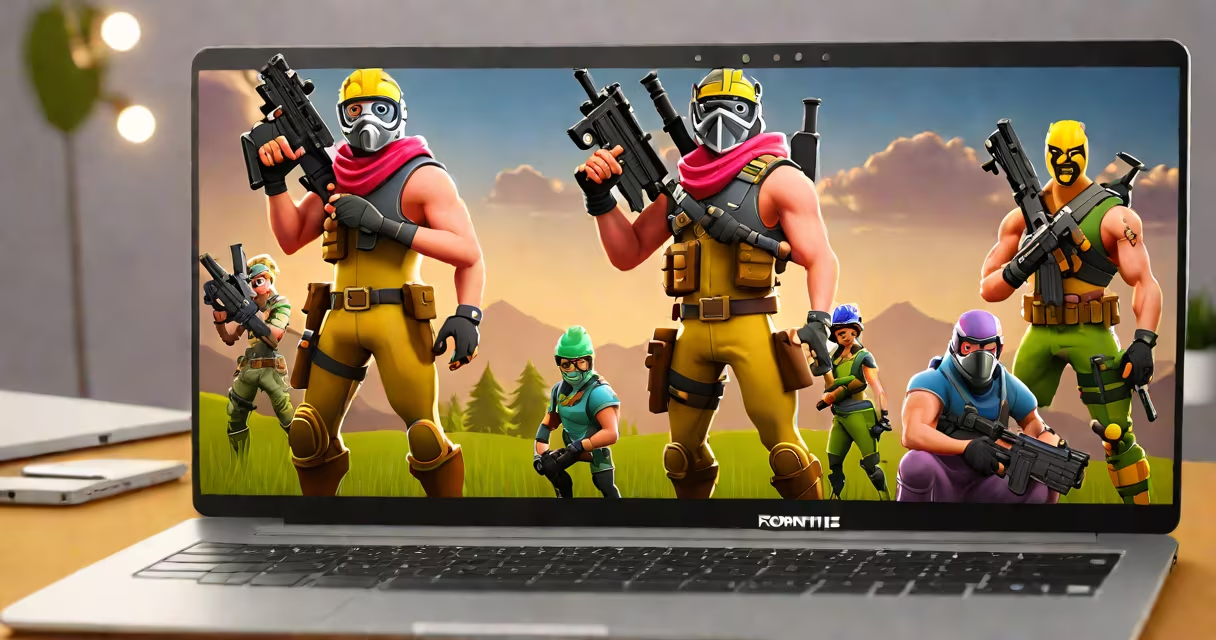
Fortnite requires high-end hardware that most Chromebooks lack, but you can play through cloud gaming services like GeForce Now. Chromebooks typically run Chrome OS, which doesn't support traditional PC games natively.
Fortnite's minimum system requirements call for a 2.4GHz Intel Core i3 processor, 8GB RAM, and an Intel HD 4000 graphics card or better. Most Chromebooks use low-power processors like the Intel Celeron or ARM-based chips that can't meet these demands. Even high-end Chromebooks with Intel Core processors often lack the necessary GPU power.
The most reliable way to play Fortnite on a Chromebook is through cloud gaming services. These platforms stream the game from useful servers to your device, bypassing local hardware limitations. NVIDIA's GeForce Now service supports Fortnite and offers free and paid subscription tiers.
To use GeForce Now:
Cloud gaming performance depends on your internet connection speed and stability. NVIDIA recommends at least 15Mbps for 1080p streaming. Latency can affect gameplay responsiveness, especially in competitive modes. For the best experience, use a wired Ethernet connection if possible.
I tested this setup on a Chromebook with a 50Mbps connection. While the visual quality was good, I noticed slight input lag during intense gameplay moments. The experience was playable but not ideal for competitive play.
If cloud gaming isn't suitable, consider other games available natively on Chromebooks. Many mobile versions of popular games work well on Chrome OS. You can also explore browser-based games or Android games from the Google Play Store that have lower system requirements.
| Game Type | Examples | Availability |
|---|---|---|
| Browser Games | Agar.io, Slither.io | Chrome Web Store |
| Android Games | Minecraft, Roblox | Google Play Store |
| Cloud Gaming | GeForce Now, Xbox Cloud Gaming | Subscription service |
Many users assume that any game can run on a Chromebook through Linux apps or emulators. While some lightweight games may work through Linux, Fortnite's complex engine and high system requirements make this impractical. Cloud gaming remains the only viable option for playing Fortnite on Chromebooks.
Another misconception is that all cloud gaming services support Fortnite. As of now, only GeForce Now officially supports Fortnite. Other services like Xbox Cloud Gaming do not currently offer Fortnite in their libraries.
While you can't play Fortnite natively on a Chromebook due to hardware limitations, cloud gaming services like GeForce Now provide a workable solution. The experience may not match dedicated gaming PCs, but it offers a way to enjoy Fortnite on Chrome OS devices. For more details on gaming options, see our guide on Fortnite compatibility and explore alternative gaming platforms.