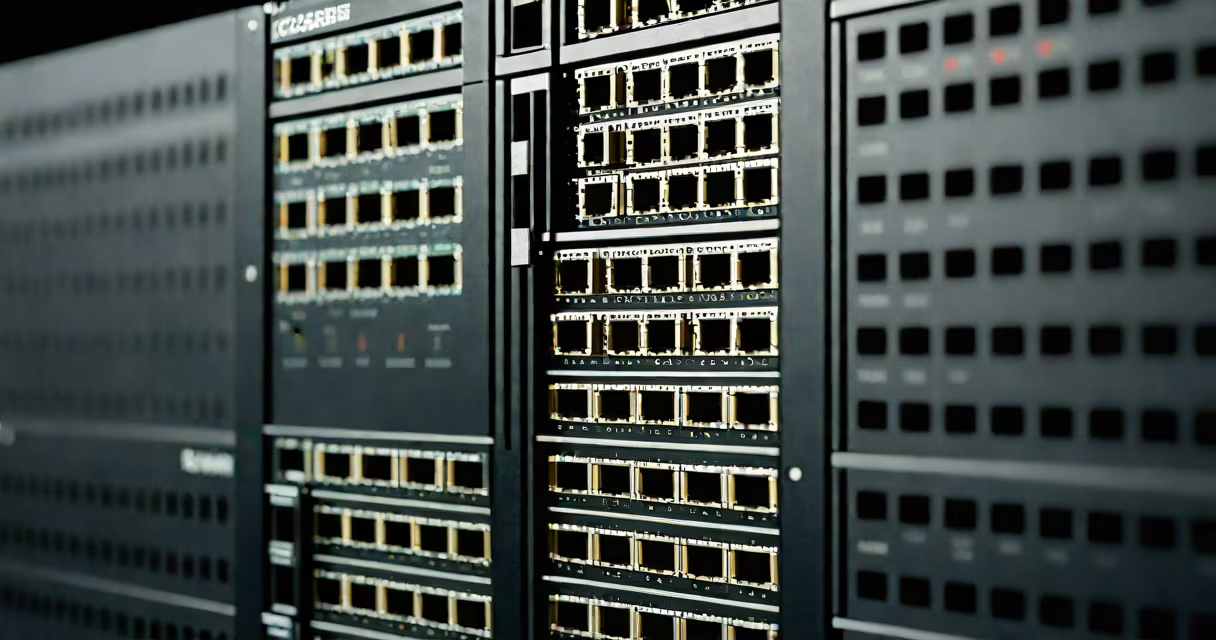
Cascading ethernet switches link multiple network switches to expand network capacity while maintaining performance. This setup allows businesses to scale their local area networks (LANs) by connecting additional switches to a primary switch, creating a larger network.
When you cascade switches, you connect the uplink port of one switch to another switch's regular port. The primary switch acts as the central hub, while secondary switches extend the network. For example, a 48-port switch can connect to another 48-port switch via one of its uplink ports, effectively doubling the available ports.
Switches used in cascading come in different types, each suited for specific network needs:
| Type | Description | Use Case |
|---|---|---|
| Unmanaged | Plug-and-play with no configuration options | Small offices needing basic connectivity |
| Managed | Configurable with advanced features like VLANs and QoS | Businesses requiring network control and monitoring |
| PoE (Power over Ethernet) | Provides power to connected devices over Ethernet cables | IP cameras, VoIP phones, and wireless access points |
Cascading is essential for growing networks without sacrificing performance. A single switch has limited ports, but cascading allows businesses to expand their network infrastructure cost-effectively. For instance, a company might start with a 24-port switch and later add a second 24-port switch to accommodate more devices.
Another benefit is redundancy. If one switch fails, traffic can reroute through other switches, minimizing downtime. Managed switches offer additional features like link aggregation, which combines multiple ports into a single high-bandwidth connection.
Many assume cascading creates network bottlenecks, but this isn't true when using managed switches with proper configuration. A common mistake is daisy-chaining too many switches without considering latency. The IEEE 802.1D standard limits the diameter of a spanning tree protocol (STP) network to 7 seconds, which translates to about seven hops. Exceeding this can cause delays.
For example, a network with eight switches in a linear cascade would exceed the STP limit, leading to performance issues. To avoid this, network administrators use trunking and VLANs to segment traffic and reduce congestion.
To cascade switches, start by connecting the uplink port of the secondary switch to a regular port on the primary switch. Ensure both switches support the same speed (e.g., 10/100/1000 Mbps). For managed switches, configure VLANs and enable STP to prevent loops.
I once set up a cascaded network for a small office with two 24-port managed switches. I connected the uplink port of the second switch to the primary switch and configured VLANs to separate departments. The setup improved network efficiency and allowed for future expansion.
In environments where network stability is critical, such as data centers, network architects often use stackable switches. These allow multiple switches to function as a single unit, simplifying management and improving performance.