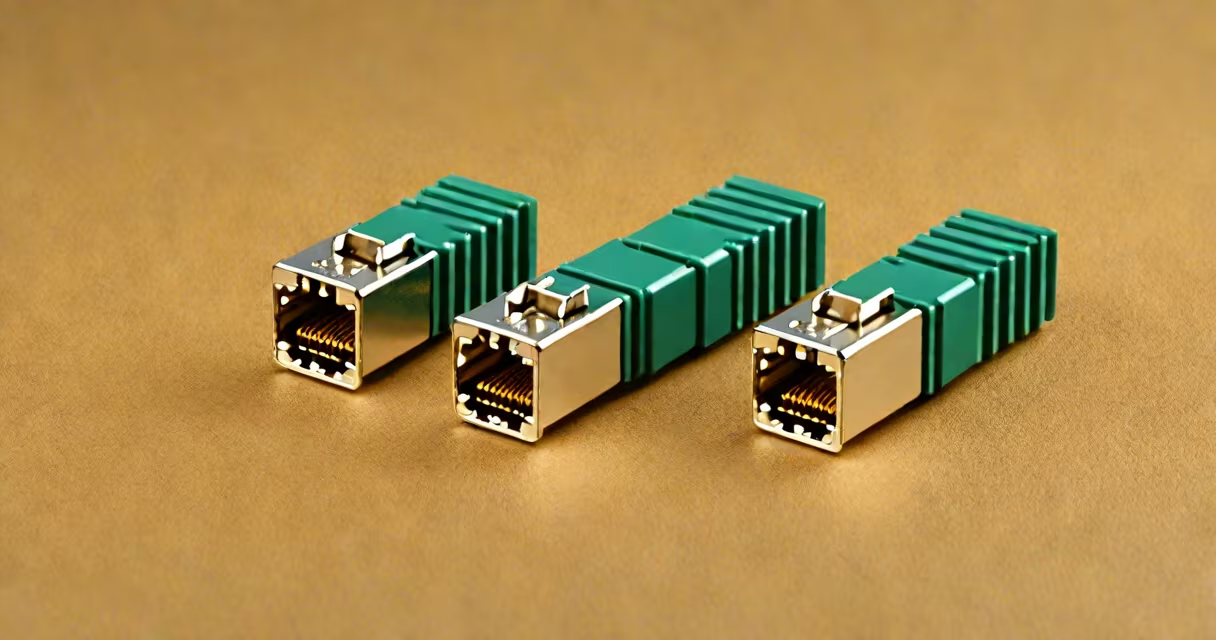
A cat 6 inline coupler is a small plastic connector that joins two cat 6 ethernet cables end-to-end, creating a continuous network connection. These couplers maintain cat 6 performance standards while allowing flexible cable runs.
| Type | Features | Use Case |
|---|---|---|
| Standard | Basic plastic housing, no additional features | General-purpose connections |
| Shielded | Metal housing for EMI protection | Industrial environments with electrical interference |
| Wall-mount | Built-in mounting bracket | Permanent installations where space is limited |
Couplers are ideal for extending network connections in situations where running a single long cable isn't practical. For example, you might use one to connect a computer in a home office to a router located in another room through two shorter cables connected by a coupler in the hallway.
They're also useful in temporary setups where you need flexibility. Many professionals carry couplers in their toolkits for troubleshooting network issues in the field. I've used them during network installations to test connections before making permanent cable runs.
Contrary to popular belief, not all couplers are created equal. While some maintain cat 6 performance, cheaper versions may degrade signal quality. Always look for couplers that explicitly state they support cat 6 speeds.
Another myth is that couplers can be used to repair damaged cables. This isn't true - couplers are designed to join two complete cables, not fix broken ones. For repairs, you'd need a crimping tool and new connectors.
For best results, follow these steps:
According to the Telecommunications Industry Association (TIA), proper cable management around couplers can prevent signal degradation. Always leave some slack in your cables to avoid putting stress on the connections.