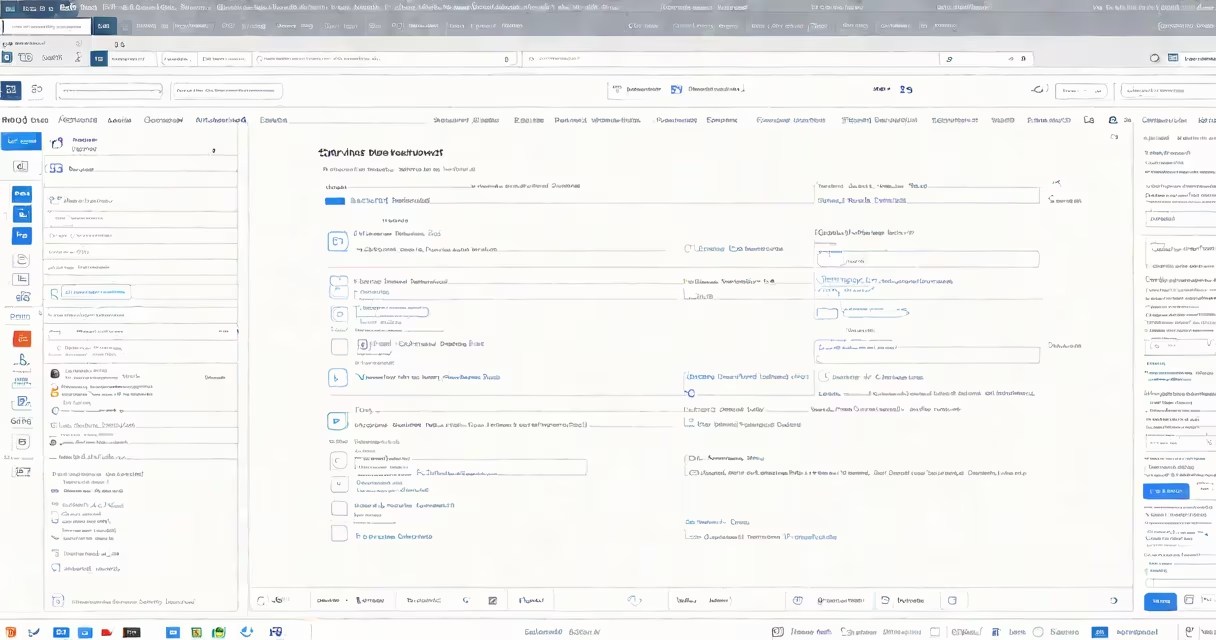
Changing an issue type in Jira involves modifying the classification of a task, bug, or story within your project to better reflect its current status or purpose. This is done through the issue's workflow.
When you change an issue type, you alter how Jira tracks and manages that particular item. For example, you might convert a task into a subtask if it becomes part of a larger initiative. This change affects the available workflow transitions and fields associated with the issue.
Common issue type changes include:
Teams typically change issue types during sprint planning or backlog grooming when they realize an issue has evolved beyond its original classification. For instance, a development team might discover that what they initially thought was a bug is actually a missing feature, requiring them to change the issue type.
Many users confuse changing issue types with simply editing issue details. While editing allows you to modify descriptions or priorities, changing the issue type fundamentally alters how Jira processes that item through its workflow. According to Atlassian's documentation, this change can impact available status transitions and required fields.
To change an issue type in Jira:
For example, if you're working on a task that becomes part of a larger feature, you would convert it to a subtask linked to the parent issue.