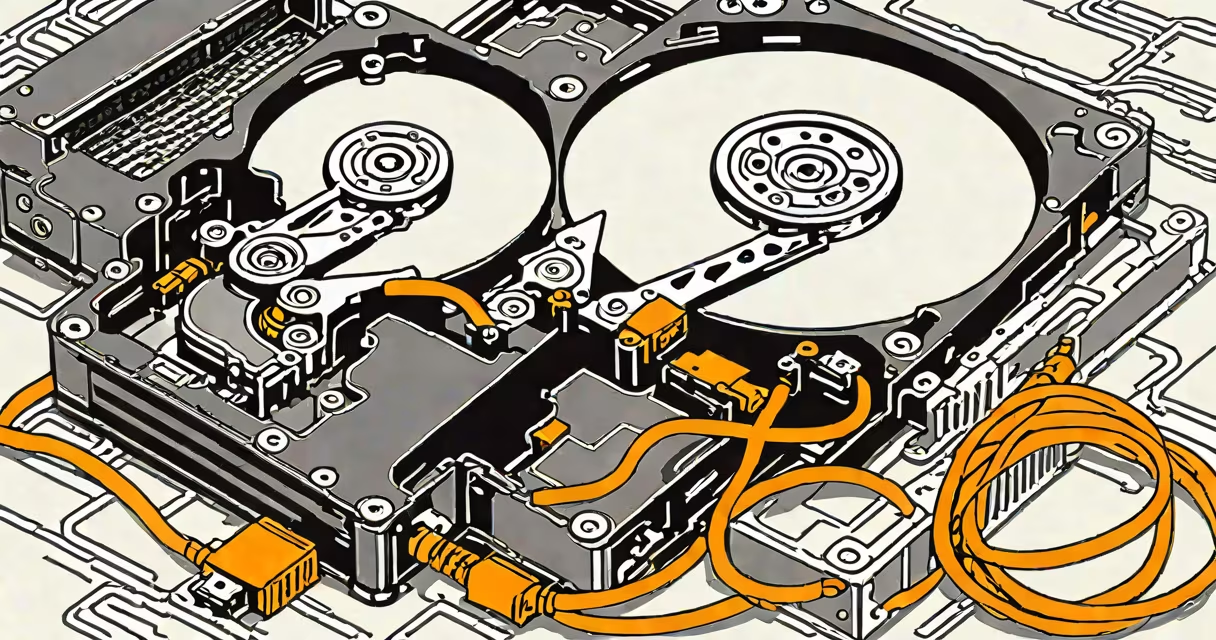
Copying a hard drive to a new computer involves transferring all your files, applications, and settings to ensure a smooth transition. This process can be done by cloning the entire disk or selectively transferring specific data.
When you copy a hard drive to a new computer, you typically have two main methods: cloning the entire hard drive or manually transferring files and applications. Cloning creates an exact replica of your old hard drive on the new one, including the operating system, applications, and all files. Manual transfer involves selecting specific files and folders to move to the new computer.
The two primary methods for copying a hard drive to a new computer are:
This process is commonly used when upgrading to a new computer, replacing a failing hard drive, or setting up a new system with the same data as the old one. It helps all your important files, applications, and settings are preserved without the need to reinstall everything manually.
Many people believe that simply copying files from one computer to another is sufficient. However, this often misses system files and application settings that are important for the smooth operation of the new computer. Cloning the entire hard drive helps all these elements are transferred accurately.
To clone your hard drive, you can use software like Acronis True Image or Macrium Reflect. Here's a step-by-step guide:
For manual transfer, you can use an external hard drive or cloud storage to move specific files and folders. Ensure that you also transfer application settings and system files to maintain functionality.
Another important consideration is the size of the hard drive. Ensure that the new hard drive is at least as large as the old one to accommodate all the data. If the new drive is smaller, you may need to exclude certain files or use compression techniques.
Lastly, always verify the integrity of the transferred data. Boot the new computer and check that all applications and files are functioning correctly. This step is important to ensure that no data was lost or corrupted during the transfer process.