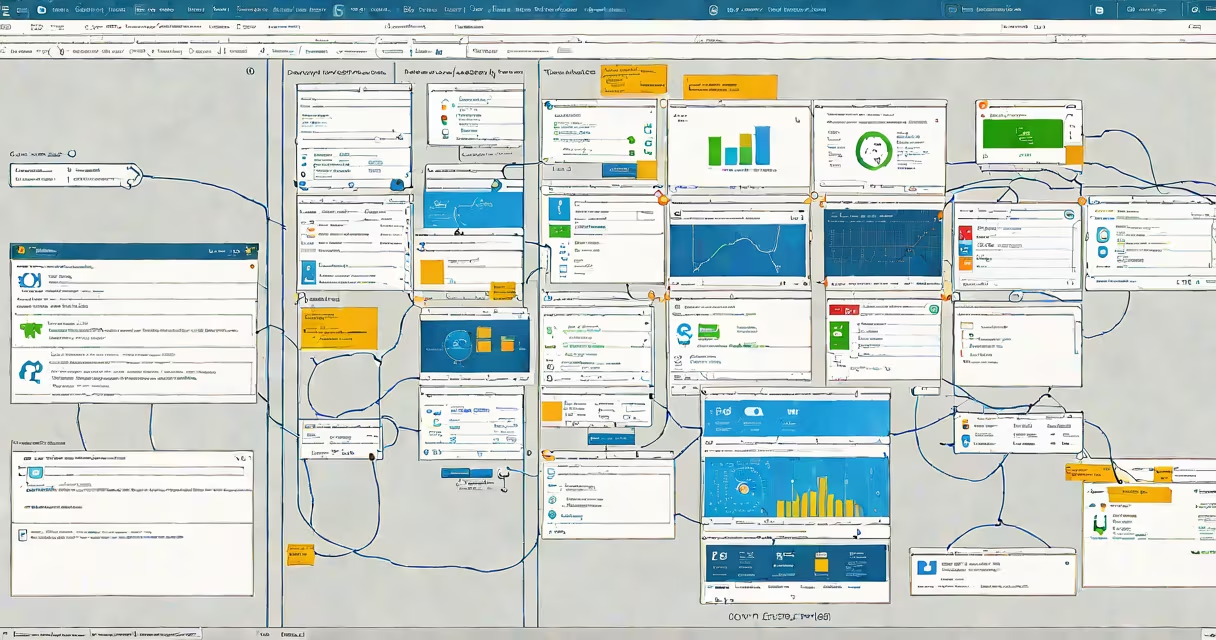
Current Windows Server refers to the latest versions of Microsoft's server operating system, designed for enterprise computing. As of 2023, the most recent edition is Windows Server 2022, which builds on the features of its predecessors while adding new capabilities for hybrid cloud environments and enhanced security.
Windows Server operates as a centralized platform for managing network resources, applications, and services. It provides tools for virtualization, file sharing, remote access, and security management. The current versions emphasize hybrid cloud integration, allowing businesses to smoothly connect on-premises servers with cloud-based services.
| Version | Release Date | Key Features |
|---|---|---|
| Windows Server 2022 | September 2021 | Enhanced security, improved container support, Azure integration |
| Windows Server 2019 | October 2018 | Linux containers, Kubernetes support, improved storage migration |
| Windows Server 2016 | October 2016 | Nano Server, Hyper-V improvements, Containers |
One non-obvious fact is that Windows Server 2022 includes a feature called "Secure Core" that protects against firmware-level attacks, a level of security not found in earlier versions. This is particularly useful for industries handling sensitive data, such as healthcare or finance.
Many people confuse Windows Server with Windows 7 or other desktop operating systems. While they share some similarities in interface design, Windows Server is optimized for multi-user, high-demand environments, whereas desktop versions are designed for single-user scenarios.
Another common mistake is assuming that all versions of Windows Server are compatible with the same hardware. Each version has specific hardware requirements, and older servers may not support newer features without hardware upgrades.
I once helped a small business migrate from an outdated server to Windows Server 2019. The process involved virtualizing their existing applications using Hyper-V, which improved their system's reliability and performance. This experience highlighted the importance of keeping server software up to date to take advantage of the latest security and efficiency improvements.
Current Windows Server editions provide useful tools for managing enterprise networks, with each version introducing new features to address evolving business needs. Whether for virtualization, security, or cloud integration, staying updated with the latest Windows Server release ensures optimal performance and protection for your organization's critical data and applications.