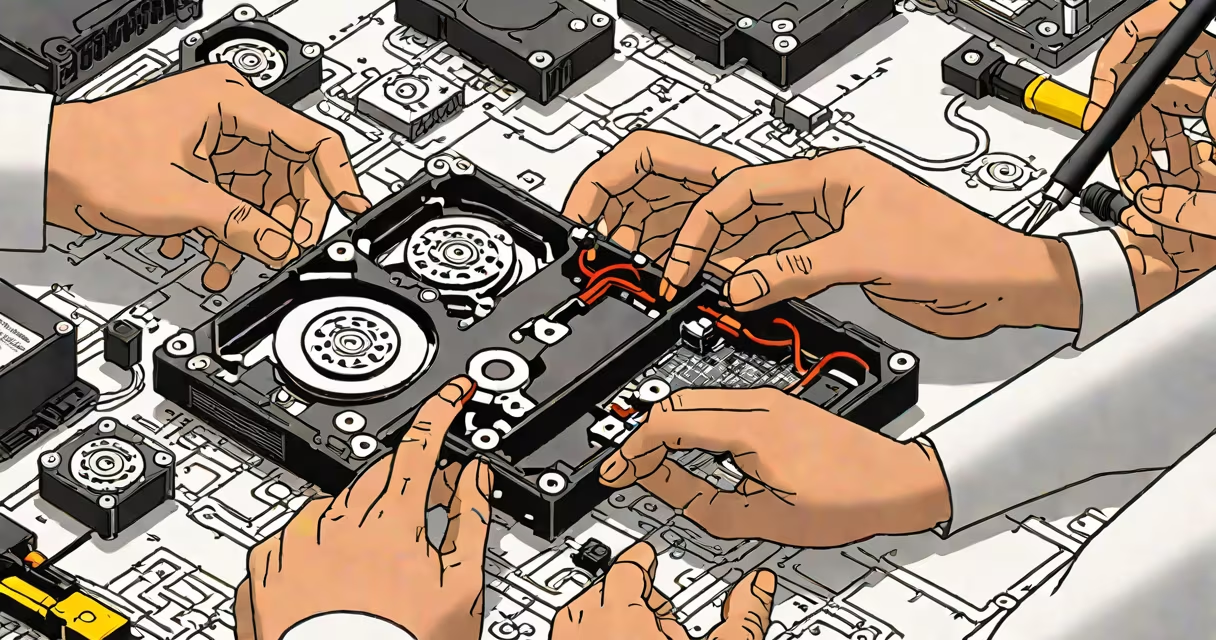
Dead HDD data recovery retrieves lost files from physically damaged hard drives using specialized tools and techniques. This process addresses both logical errors and physical failures, often restoring critical data when standard methods fail.
Recovery begins with diagnosing the failure type. For logical failures (corrupted file systems), software tools scan and rebuild damaged structures. Physical failures (mechanical damage) require cleanroom environments to repair components like read/write heads.
Tools like Data Recovery Wizard Free handle logical issues, while professional services address hardware problems. The process involves creating disk images, extracting data, and repairing damaged sectors.
| Failure Type | Common Causes | Recovery Method |
|---|---|---|
| Logical Failure | File system corruption, accidental deletion | Software-based recovery tools |
| Mechanical Failure | Head crashes, motor failure | Professional cleanroom repair |
| Electrical Failure | Power surges, short circuits | Component replacement, firmware repair |
Attempt recovery immediately if you hear unusual noises (clicking, grinding) or if the drive is unrecognized by your computer. For logical failures, software tools may suffice. Physical failures typically require professional intervention.
I once recovered photos from a failing drive by using a linear scan tool after standard methods failed. The key was isolating the healthy sectors first.
Many assume dead HDDs are always unrecoverable. While severe physical damage limits success rates, about 60% of failed drives yield some data with professional tools, according to Seagate.
Another myth is that DIY methods work for all failures. Attempting repairs without proper tools often worsens damage. For critical data, professional services are recommended.