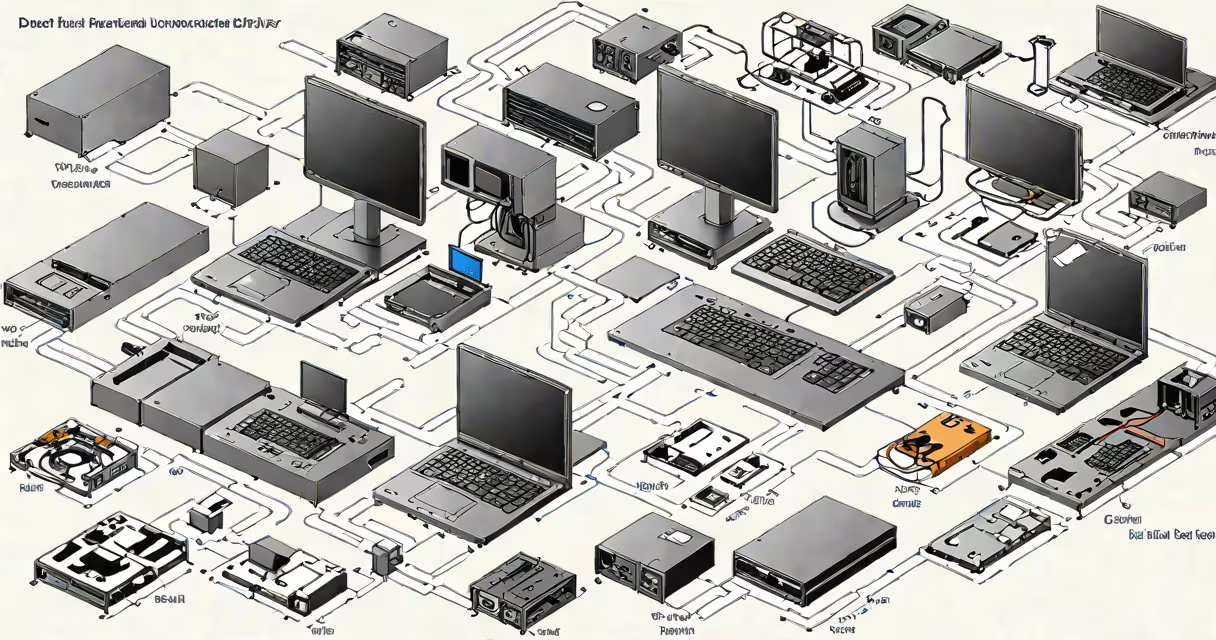
A Dell dock station driver is software that allows your laptop to communicate with a docking station, enabling expanded connectivity for monitors, keyboards, mice, and other peripherals. Without the correct driver, your dock may not function properly or at all.
When you connect your Dell laptop to a docking station, the driver loads the necessary protocols to manage data transfer. This includes handling video signals for external monitors, USB connections for peripherals, and sometimes even Ethernet networking.
Dell offers several types of docking stations, each requiring specific drivers:
| Type | Description | Driver Requirement |
|---|---|---|
| USB-C Dock | Connects via USB-C port, supports multiple 4K monitors, and includes USB and Ethernet ports. | DisplayLink or native USB-C drivers |
| USB Dock | Connects via traditional USB-A port, supports fewer peripherals, and often lacks video output. | Standard USB drivers |
| Thunderbolt Dock | Uses Thunderbolt 3 or 4 ports, supports high-bandwidth applications like external GPUs. | Thunderbolt-specific drivers |
Using the wrong or outdated driver can lead to several issues, including:
To avoid these problems, always download the latest driver from Dell's official support website. Enter your docking station's model number to find the correct driver for your operating system.
Many users believe that any USB-C port can work with any docking station. However, not all USB-C ports support the same power delivery or data transfer standards. For example, a Dell XPS 13 might support a different set of features compared to a Dell Latitude 7400.
Another misconception is that drivers are only needed for Windows. While macOS and Linux have built-in support for some docking stations, specific drivers may still be required for optimal performance.
Last year, I helped a colleague troubleshoot their Dell dock station. Their external monitors weren't displaying anything, and their keyboard and mouse weren't responding. After downloading the correct DisplayLink driver from Dell's website, everything worked perfectly. This experience underscored the importance of using the right driver for smooth connectivity.
A Dell dock station driver is essential for ensuring your docking station works correctly with your laptop. Always use the latest driver from Dell's official support site to avoid compatibility issues and enjoy a smooth experience with your peripherals.