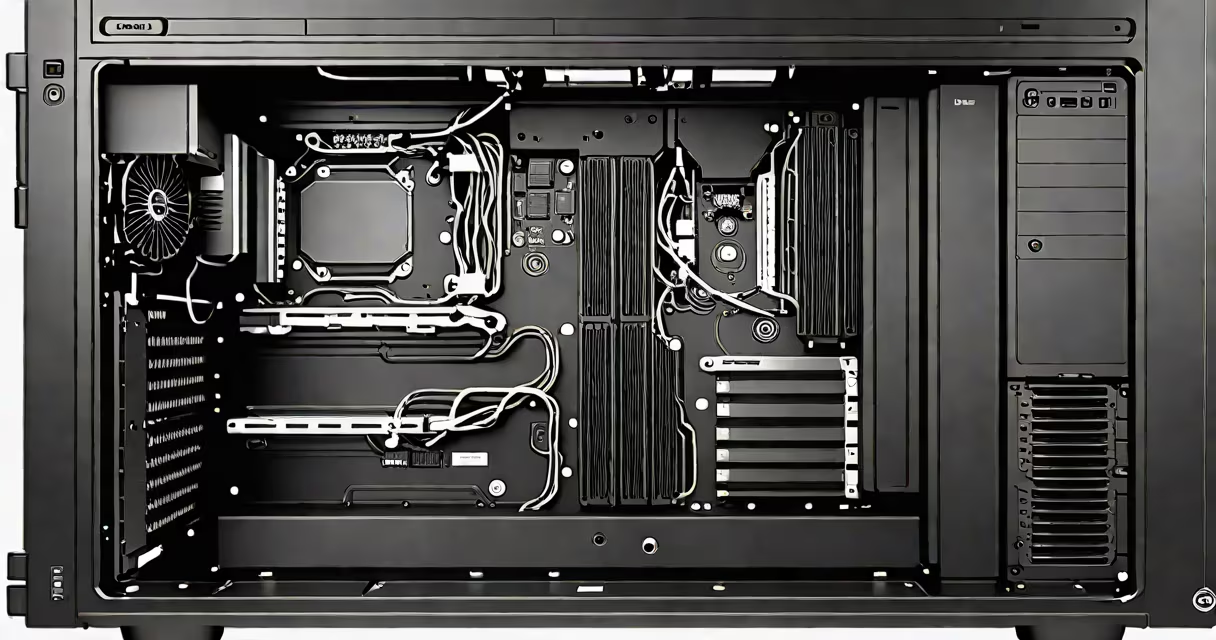
The Dell XPS 8940 desktop system memory refers to its RAM modules, which come standard with 8GB (1x8GB) DDR4 2666MHz. This memory handles short-term data processing tasks while the computer runs.
The XPS 8940 supports dual-channel memory configuration, meaning it uses two RAM sticks working together for better performance. The system reserves about 1GB of RAM for its integrated graphics, leaving the rest for applications.
For example, running Chrome with five tabs open might use around 3GB of RAM. Adding heavier applications like Photoshop or video editing software increases memory usage.
The XPS 8940 supports DDR4 SODIMM modules. Here's a quick reference table:
| Type | Speed | Maximum Capacity |
|---|---|---|
| DDR4 | 2666MHz | 64GB |
Note that while faster DDR4 modules exist, the XPS 8940's motherboard limits speed to 2666MHz. Using higher-speed RAM won't improve performance.
To upgrade, turn off and unplug the desktop. Remove the access panel to expose the RAM slots. Press the clips on either side of the existing module to release it, then insert the new module at a 45-degree angle until it clicks into place.
I upgraded my XPS 8940 by installing two 16GB DDR4 2666MHz modules. The process took less than 10 minutes, and the system recognized the new RAM immediately upon boot.
Many users confuse the XPS 8940's RAM with its storage. While both impact performance, RAM affects multitasking and application speed, whereas storage (like an SSD) influences data access and boot times.
Another mistake is assuming that more RAM always equals better performance. For most users, 16GB is sufficient for everyday tasks. Gamers and content creators may benefit from 32GB or more, but casual users likely won't notice a difference beyond that.
Upgrading RAM can extend the lifespan of your desktop. A system with insufficient RAM may struggle with modern applications, leading to slowdowns or crashes. Adding more RAM ensures smoother performance for years to come.
According to Dell's official support documentation, the XPS 8940 supports up to 64GB of RAM. However, most users won't need that much. For general use, 16GB is ideal, while 32GB suits power users.
For more details on compatible RAM modules, see DDR4 desktop memory options.