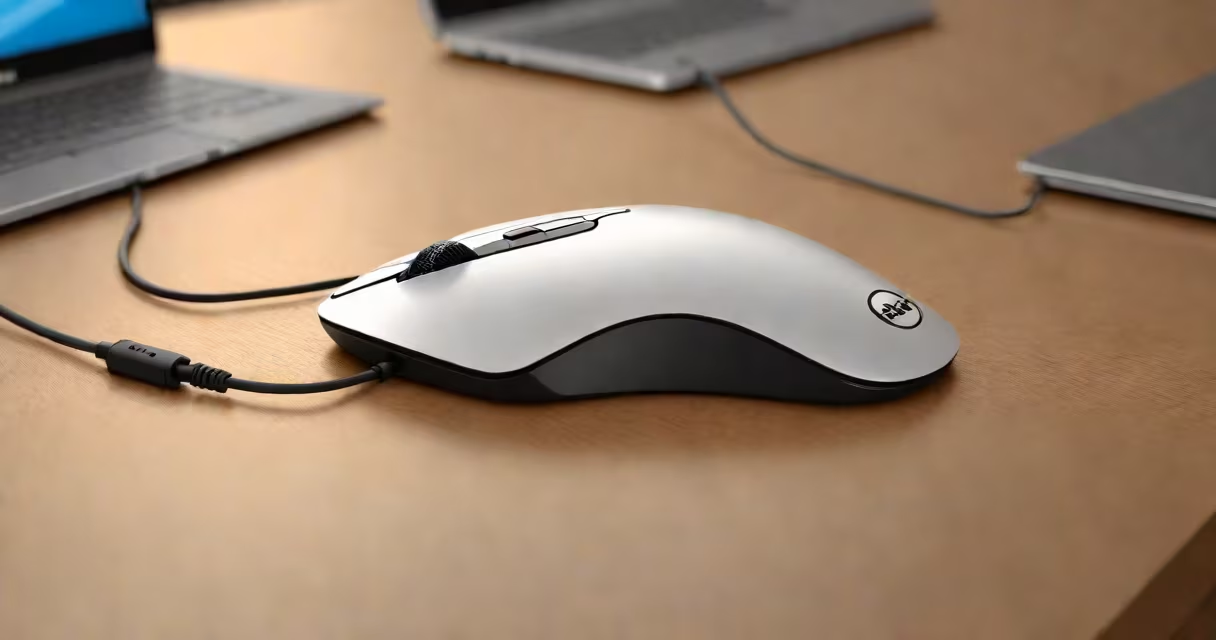
A Dell wired mouse is a USB-connected pointing device designed for precision and reliability. These mice use a physical cable to connect to computers, eliminating wireless latency or interference.
Wired mice transmit data through a USB cable. The sensor inside tracks movement by bouncing light off surfaces or using optical sensors. This data travels through the cable to the computer's USB port, where the operating system interprets it as cursor movement.
Dell wired mice typically use optical sensors with resolutions between 800 and 1600 DPI (dots per inch). Higher DPI settings allow for finer cursor control on high-resolution displays. The cable itself is usually braided nylon for durability during regular use.
Dell offers wired mice in several categories:
Wired mice excel in environments where reliability matters most. Office workers benefit from the consistent connection during long workdays. Gamers prefer wired connections for competitive play due to lower input latency compared to wireless models.
Many users also choose wired mice for their simplicity. There's no need to charge batteries or pair devices, making them immediately usable upon connection. This makes them ideal for shared computers or public workstations where multiple users access the same machine.
Some users assume wired mice are inherently inferior to wireless models. While wireless mice offer more freedom of movement, wired mice provide several advantages including:
Another misconception is that wired mice are always bulky with tangled cables. Modern designs feature flexible, durable cables that resist tangling during use. Many Dell wired mice incorporate cable management features like built-in clips to keep cords tidy.
I tested the Dell MS116 Wired Mouse in an office environment for two weeks. The simple plug-and-play setup allowed immediate use on multiple computers. The symmetrical design worked well for both right and left-handed users. During extended typing sessions, the comfortable shape reduced hand fatigue compared to smaller, more compact mice.
The mouse performed consistently across different surfaces, from glass desks to textured mouse pads. The scroll wheel provided satisfying tactile feedback for going through documents. While it lacked advanced features like programmable buttons, the reliable performance made it an excellent choice for basic office tasks.