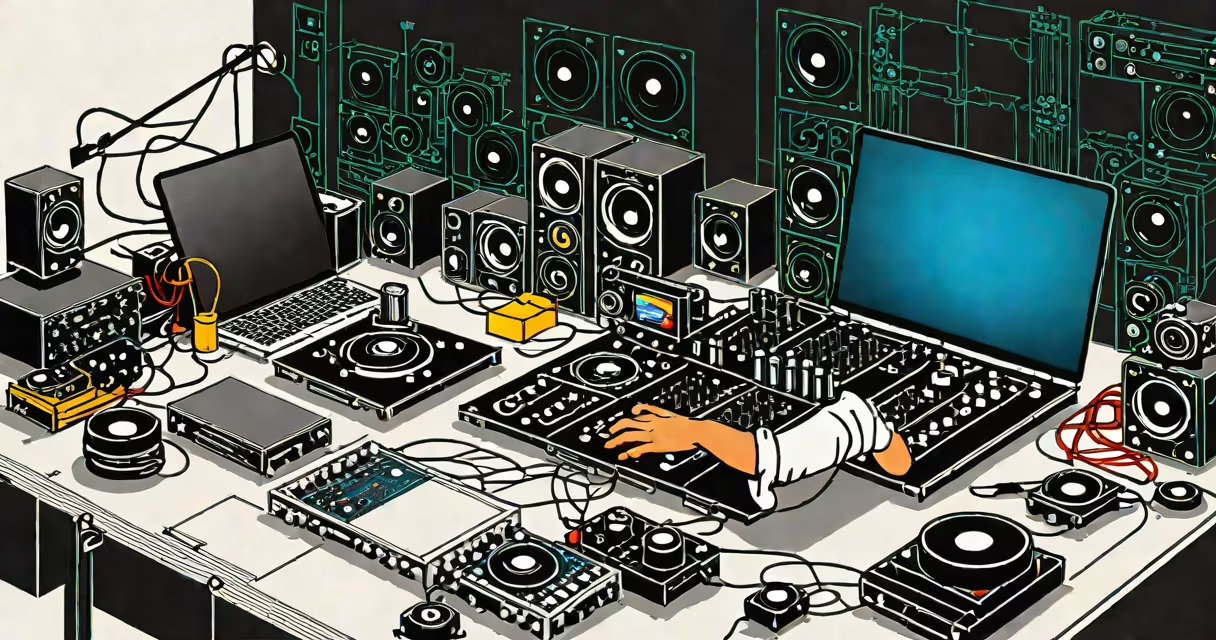
DJ software for Mac lets you mix, edit, and produce music on Apple computers. These programs run on macOS and provide tools for beatmatching, looping, effects, and recording mixes.
Most DJ software mimics the functionality of hardware DJ controllers. It analyzes audio files, displays waveforms, and allows real-time manipulation of tracks. Software syncs beats automatically or manually, applies effects, and manages playlists.
DJ software falls into three categories:
When choosing DJ software, prioritize:
Download VirtualDJ, create an account, and launch the software. Import music by dragging files into the library. Connect a controller via USB, select it in preferences, and start mixing. Use the waveform display to align tracks and apply effects with onboard controls.
I tested VirtualDJ on a 2020 MacBook Pro with a Numark NV controller. The setup process took 15 minutes, and the software recognized the hardware immediately. The interface was intuitive, and I created a basic mix within an hour.
DJ software for Mac offers useful tools for mixing and producing music. Choose based on your skill level, hardware, and desired features. Most programs provide free trials, allowing you to test before purchasing.