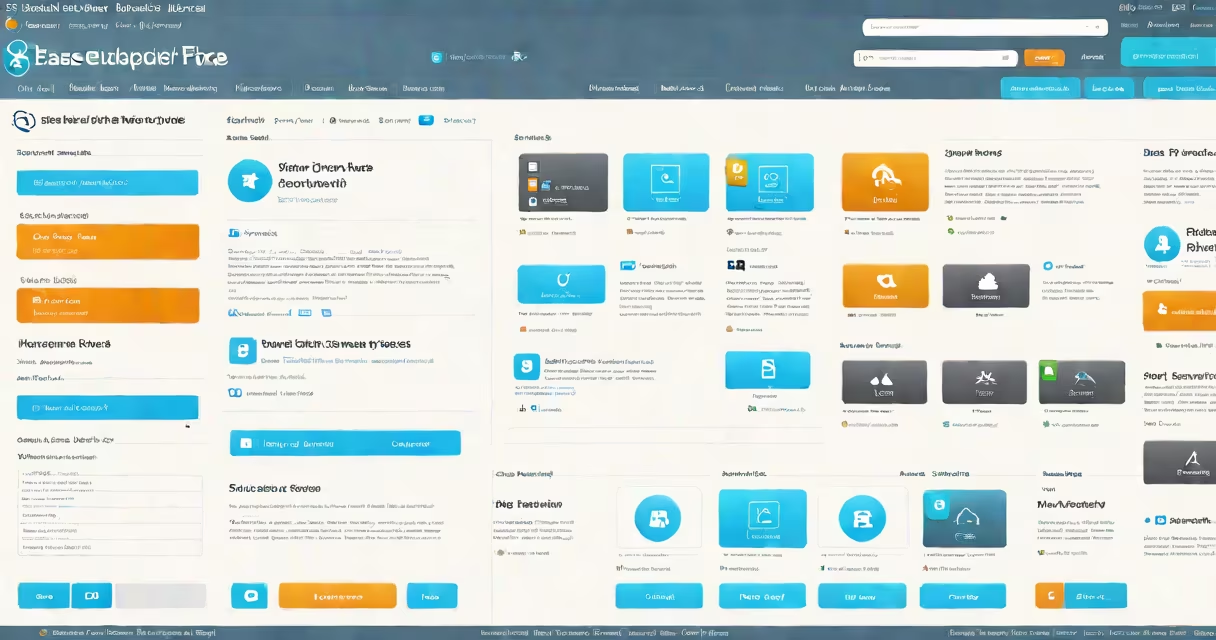
EaseUS Backup Free is a no-cost software tool designed for backing up files, folders, and entire systems. It provides essential backup and recovery features without requiring payment or subscriptions.
The software uses compression and encryption to create backup images of your data. These images can be stored locally on external drives, network-attached storage (NAS), or cloud services. When needed, users can restore files or entire systems from these backups.
For example, if your computer's hard drive fails, you can use a system backup created with EaseUS Backup Free to restore your operating system, applications, and files to a new drive. This process ensures minimal downtime and data loss.
EaseUS Backup Free includes several key features:
Users typically rely on EaseUS Backup Free for:
EaseUS Backup Free is often confused with paid versions of the software, which offer additional features like scheduled backups, cloud backup, and technical support. The free version lacks these advanced functionalities but still provides core backup and recovery capabilities.
I used EaseUS Backup Free to create a system backup before upgrading my operating system. After the upgrade, I encountered compatibility issues with some software. Instead of troubleshooting for hours, I restored my system to the previous state using the backup image. The process took less than 30 minutes, saving me time and frustration.
EaseUS Backup Free is a reliable, no-cost solution for backing up files and systems. While it lacks some advanced features found in paid versions, it offers essential tools for data protection and system recovery. For users needing basic backup capabilities, EaseUS Backup Free is a practical choice.