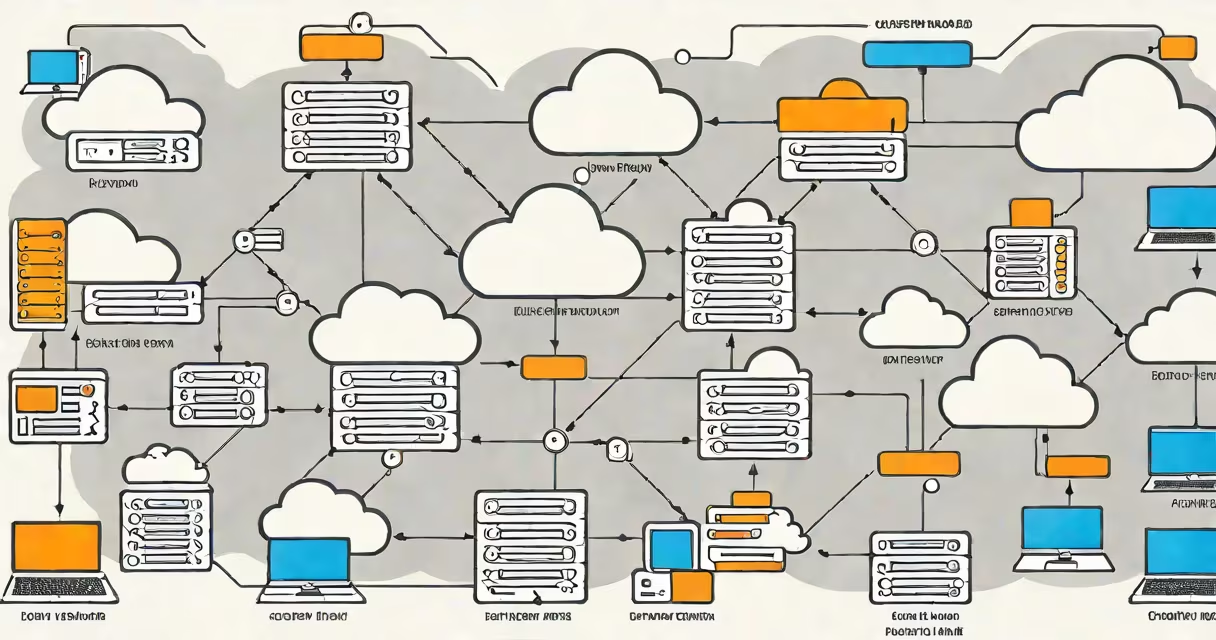
Enterprise cloud backup is a data protection strategy where businesses store copies of critical files, applications, and databases in remote cloud infrastructure rather than local servers or tape drives. This approach combines automated processes with scalable cloud storage to create resilient backups that support rapid recovery.
Most enterprise solutions use agent software installed on endpoints, servers, or virtual machines to monitor changes. When modifications occur, the software creates incremental backups-snapshots containing only new or altered data-and transfers them to cloud storage via encrypted connections. Some systems also perform full backups periodically.
For example, a company might configure daily incremental backups with weekly full backups. If a server fails, IT teams restore the most recent full backup, then layer on subsequent incrementals to recover all data. Modern solutions often include features like:
| Type | Key Characteristics | Use Cases |
|---|---|---|
| Public cloud backup | Uses shared infrastructure from providers like AWS, Azure, or Google Cloud | Cost-effective for SMBs and departments with moderate compliance needs |
| Private cloud backup | Deployed on dedicated hardware in on-premises data centers | Highly regulated industries requiring maximum control |
| Hybrid cloud backup | Combines public and private clouds for balanced performance and cost | Enterprises needing both scalability and strict governance |
Traditional backup methods fail during disasters because they rely on local infrastructure. Cloud backups solve this by storing copies in geographically distant data centers. According to Gartner, 60% of enterprises will use cloud-based disaster recovery by 2025, up from 30% in 2021.
Cloud backups also address common pain points:
Some businesses assume cloud backups are slower than local backups due to network latency. While initial full backups may take longer, incremental transfers complete quickly because they only send changed data. Modern solutions also prioritize critical data, ensuring essential systems recover first.
Another myth is that cloud backups are expensive. While public cloud storage costs more than tape, the elimination of physical media, maintenance, and labor offsets this. For context, a 2023 study by Clutch found that 68% of small businesses reduced backup costs by switching to cloud solutions.
Unlike tape backups, which require manual handling and can degrade over time, cloud backups automate processes and store data indefinitely. They also enable faster cloud backup recovery-critical for minimizing downtime. However, cloud solutions require internet connectivity, making them unsuitable for air-gapped environments.
When evaluating solutions, businesses should consider:
First, assess your data volume, growth rate, and compliance needs. Look for solutions offering:
Many vendors offer tiered pricing based on storage capacity and features. For example, Acronis Cyber Protect Cloud charges $0.05/GB/month for basic storage, while Veeam Backup & Replication includes advanced features like instant VM recovery. Always test solutions with real workloads before committing.
When I evaluated enterprise cloud backup solutions for a previous employer, we prioritized solutions supporting our hybrid cloud environment. We chose a platform offering both cloud and on-premises backup, which simplified management and reduced costs by 25%. The key was finding a solution that integrated smoothly with our existing infrastructure.
For most businesses, the best approach is to start with a pilot project backing up non-critical systems. Once comfortable with the process, expand to mission-critical workloads. This phased approach minimizes risk while building expertise.