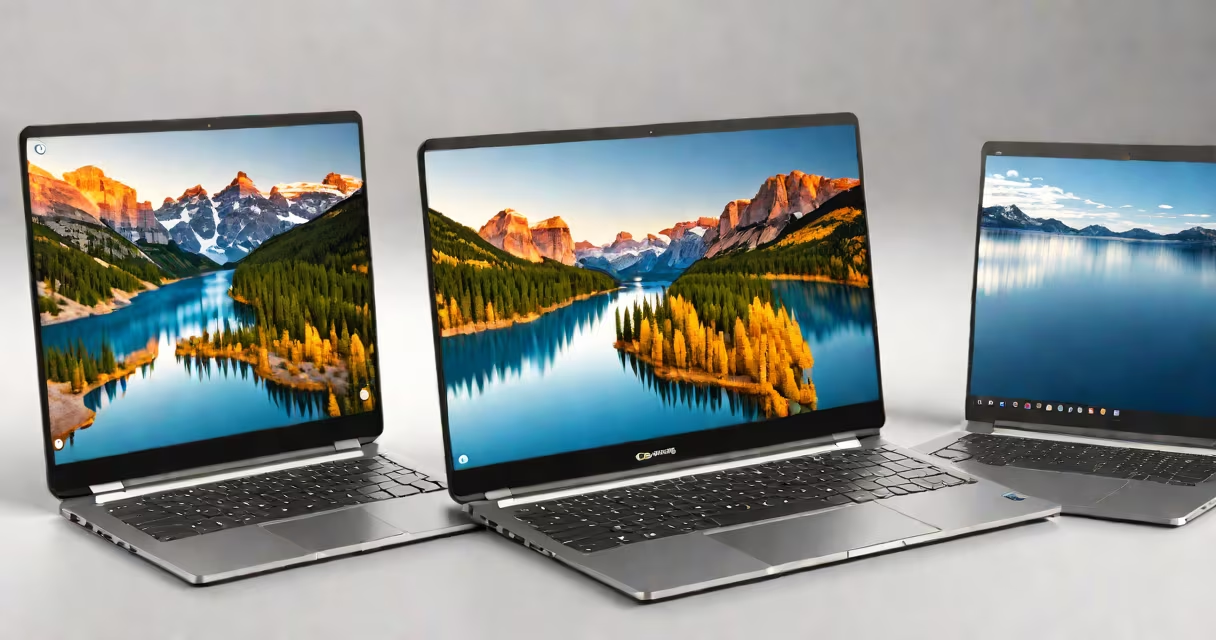
Google Chromebooks come in various sizes, typically ranging from 11 inches to 15.6 inches diagonally. The most common sizes are 11-inch, 12.2-inch, 14-inch, and 15.6-inch models, catering to different user needs and preferences.
Chromebook sizes refer to the diagonal measurement of the screen, similar to other laptops. Smaller Chromebooks (11-inch to 12.2-inch) are designed for portability and ease of use for students and travelers. Larger models (14-inch to 15.6-inch) offer more screen real estate for productivity tasks and multimedia consumption.
| Size | Typical Use Cases | Examples |
|---|---|---|
| 11-inch | Students, travel, basic tasks | Acer Chromebook Spin 311 |
| 12.2-inch | General use, light productivity | Samsung Galaxy Chromebook |
| 14-inch | Productivity, media consumption | ASUS Chromebook Flip C434 |
| 15.6-inch | Heavy-duty tasks, gaming | HP Chromebook 15 |
Smaller Chromebooks are popular in educational settings due to their lightweight design and affordability. Larger Chromebooks are favored by professionals who need more screen space for multitasking and creative work. The choice of size often depends on the user's lifestyle and specific requirements.
One common misconception is that smaller Chromebooks are less useful. However, many compact models offer sufficient performance for everyday tasks. Another myth is that larger Chromebooks are always heavier, but advancements in materials and design have made even 15.6-inch models surprisingly portable.
When selecting a Google Chromebook size, consider your primary use cases. For instance, if you're a student who needs to carry the device daily, an 11-inch model might be ideal. If you frequently work on spreadsheets or watch movies, a 14-inch or larger Chromebook could provide a better experience., think about the device's weight and how it fits into your daily routine.
I personally use a 14-inch Chromebook for both work and leisure. Its balance between portability and screen size makes it versatile for various tasks, from writing documents to streaming videos. The larger screen enhances productivity, while the lightweight design ensures easy portability.