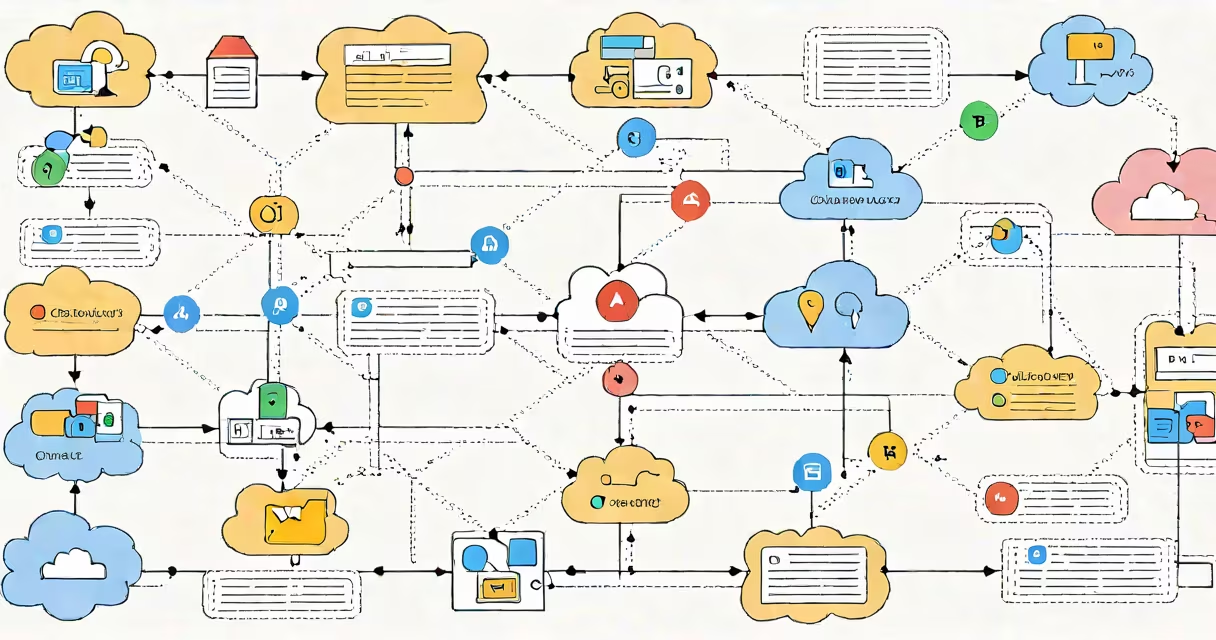
Google Cloud API Gateway is a fully managed service that helps developers deploy, secure, and monitor APIs at scale. It acts as a front door for applications accessing cloud services, handling authentication, load balancing, and request routing.
API Gateway sits between clients and backend services, intercepting requests before they reach your applications. When a client makes a request, the gateway:
For example, a gaming company might use API Gateway to route player requests to different microservices handling inventory, matchmaking, and leaderboards. The gateway ensures each request goes to the correct service while applying security policies and collecting metrics.
API Gateway offers several key capabilities:
| Feature | Description |
|---|---|
| Request Routing | Directs traffic to specific backend services based on URL patterns |
| Authentication | Supports Google Cloud IAM and API keys for access control |
| Monitoring | Integrates with Cloud Monitoring for request tracking |
| Rate Limiting | Prevents abuse by limiting request volume per client |
| SSL/TLS | Provides automatic HTTPS encryption for secure communication |
Developers typically use API Gateway for:
API Gateway provides several advantages over managing APIs manually:
According to Google Cloud's documentation, API Gateway can reduce the time spent managing API infrastructure by up to 80%. This allows development teams to focus on building features rather than maintaining plumbing.
To create an API Gateway:
I recently helped a startup set up API Gateway for their new application. We configured it to route requests to different microservices and set up basic authentication. The setup took about an hour, and we immediately saw improvements in request handling and security.