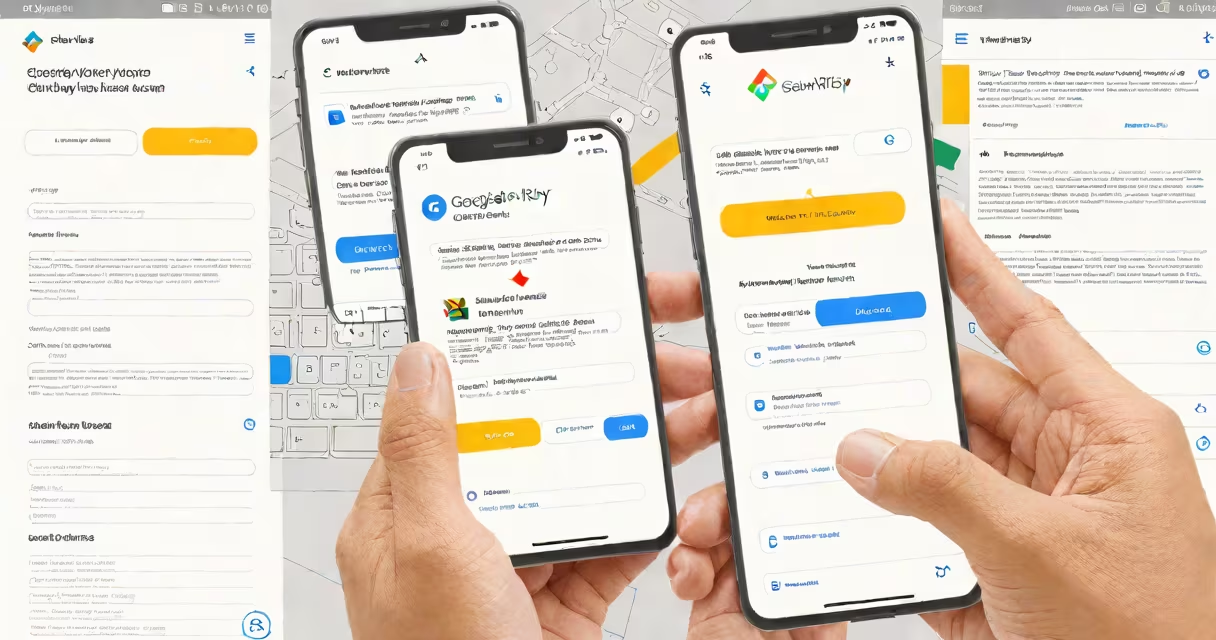
To change your Google Play email, go to your Google Account settings, select "Personal info," then click "Email" and follow the prompts. This updates your email across Google services, including Google Play.
Your Google Play email is tied to your entire Google account, not just Play Store purchases. Changing it updates your login email for Gmail, YouTube, and other Google services. Most users do this when switching to a new email address or fixing typos in their current one.
Changing your Google Play email requires updating your primary Google account email. Here's how:
This process takes about 5 minutes. Google sends verification codes to both your old and new emails.
Many users assume changing their Google Play email only affects their Play Store account. In reality, it updates your primary Google account email everywhere. This can cause confusion if you have multiple accounts linked to different services.
Another mistake is not verifying the new email address immediately. Google requires this to prevent unauthorized changes. Without verification, you won't complete the process.
Contact Google Support if you encounter errors during the email change process. Common issues include verification failures or account access problems. Support agents can help troubleshoot these problems and ensure your new email is properly linked.
I once helped a friend change their Google Play email after they accidentally used a temporary email address to sign up. We had to verify the new email and update payment information separately. The process was straightforward once we followed the correct steps.