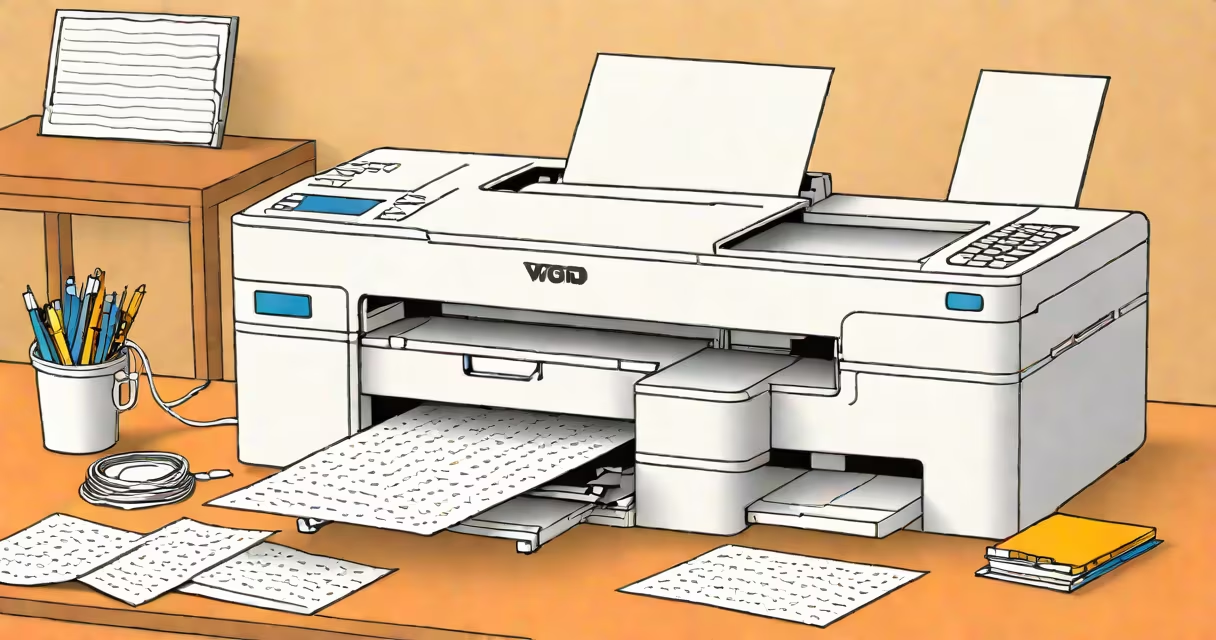
Printing involves sending a digital file to a physical printer to produce a hard copy. This process requires a compatible device, proper settings, and troubleshooting for common issues.
Printing starts with a digital file (document, image, or webpage) sent to a printer via USB, Wi-Fi, or cloud services. The printer interprets the data and uses ink or toner to transfer the image onto paper. Modern printers support various file formats, including PDF, JPEG, and Word documents.
| Printer Type | Description | Common Uses |
|---|---|---|
| Inkjet Printers | Use liquid ink sprayed through nozzles onto paper. | Photos, documents, and general home use. |
| Laser Printers | Use toner powder fused onto paper with heat. | High-volume text printing in offices. |
| 3D Printers | Build objects layer by layer from digital models. | Prototyping, manufacturing, and hobbyist projects. |
Many users encounter issues like paper jams, connectivity problems, or poor print quality. To fix these, check the printer's manual for specific troubleshooting steps. Ensure the printer is online, has enough ink or toner, and the paper tray is correctly loaded.
For connectivity issues, restart both the printer and the computer. If the problem persists, consult the printer's support website or contact customer service. Poor print quality often results from clogged nozzles or low ink levels. Cleaning the printhead or replacing the ink cartridge usually resolves this issue.
Some tasks require professional printing services. For example, businesses often need high-quality marketing materials, such as brochures or business cards. Professional printers offer better paper quality, color accuracy, and finishing options like laminating or binding.
For those who enjoy printing, staying passionate about the craft involves experimenting with different techniques and materials. Try printing on specialty papers, such as glossy photo paper or textured cardstock. Explore creative projects like scrapbooking, card-making, or even small-scale publishing.