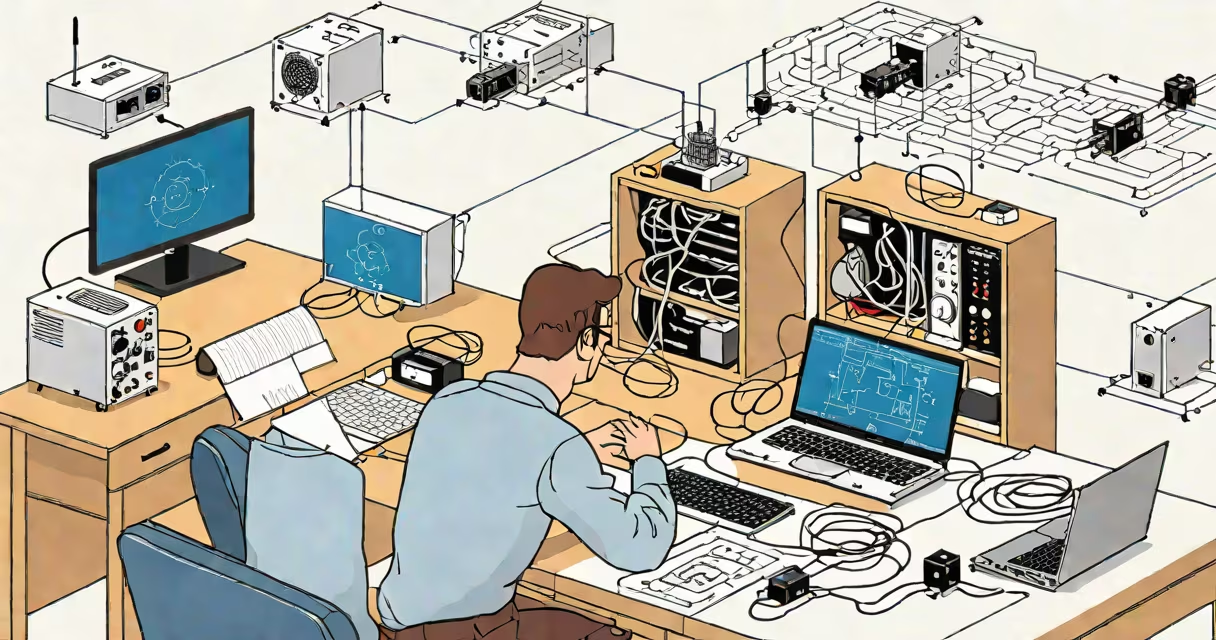
To troubleshoot your internet connection, follow these steps: check your devices, restart your router, verify cables, test with another device, and contact your internet service provider if needed.
Troubleshooting involves identifying and resolving issues step-by-step. Start with the simplest solutions and progress to more complex ones. This method ensures you don't overlook basic fixes while systematically narrowing down the problem.
Internet problems typically fall into four categories:
Troubleshooting is essential for both home and business networks. Common causes include router issues, ISP outages, signal interference, and device configuration problems. For example, a weak Wi-Fi signal might stem from the router being too far away or obstacles blocking the signal.
Many people assume that slow internet speeds are always the fault of their internet service provider (ISP). However, outdated routers, too many connected devices, or nearby electronic interference often cause the issue. According to the Federal Communications Commission (FCC), most connectivity problems can be resolved by restarting the router or adjusting its settings.
If your Wi-Fi is slow, start by restarting your router. Unplug it for 30 seconds, then plug it back in. Wait for the lights to stabilize before reconnecting your devices. If the issue persists, move your router to a central location or use a Wi-Fi extender to improve coverage. For persistent problems, check if other devices experience the same issue or contact your ISP for further assistance.