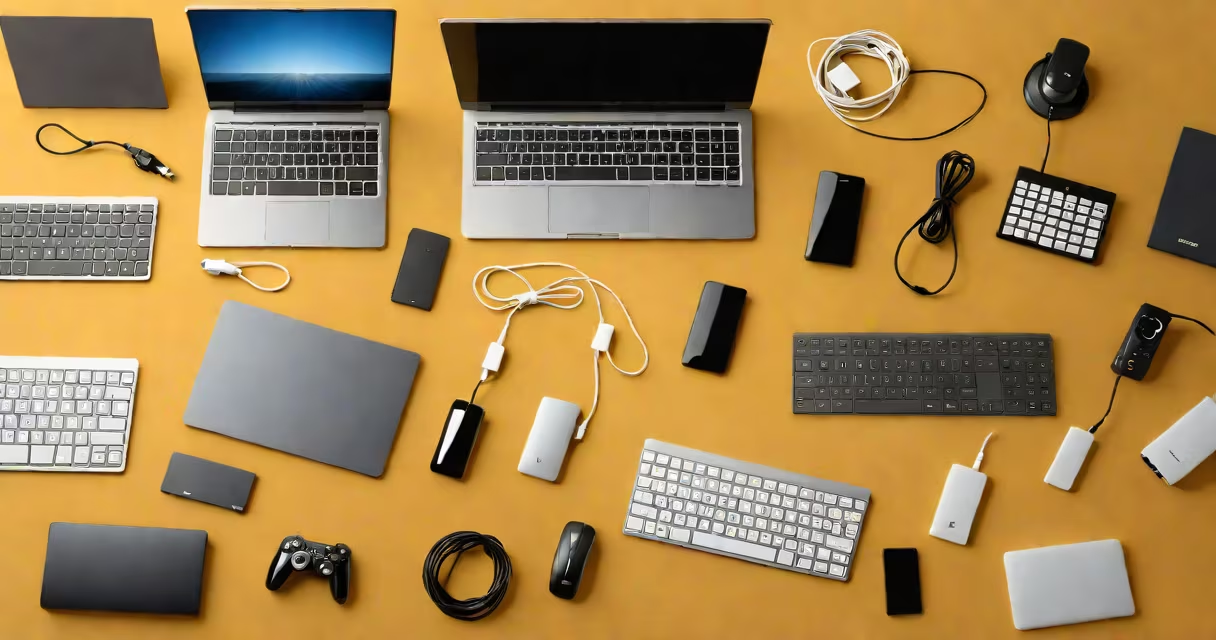
Input output device examples are physical tools that let users interact with computers by sending data (inputs) or receiving data (outputs). These devices form the interface between humans and machines.
Input devices convert physical actions into digital signals that computers process. For example, pressing a key on a keyboard generates an electrical signal that the computer interprets as a specific character. Output devices translate digital data into human-readable formats, such as displaying text on a monitor or printing documents.
Input and output devices fall into distinct categories based on their functions. Here's a breakdown:
| Category | Examples | Function |
|---|---|---|
| Input Devices | Keyboard, mouse, scanner, microphone | Send data to the computer |
| Output Devices | Monitor, printer, speakers, projector | Receive data from the computer |
| Combined Devices | Smartphone, tablet, touchscreen monitor | Perform both input and output functions |
A lesser-known fact is that some devices, like touchscreens, function as both input and output devices. When you touch the screen, it acts as an input device by sending your command to the computer. Simultaneously, it displays information, functioning as an output device.
Many people confuse input and output devices with storage devices, such as hard drives or USB flash drives. Storage devices hold data but do not directly send or receive information to or from the computer in real time. For example, a USB flash drive stores files but requires an input device, like a keyboard, to transfer those files to the computer.
Another common mistake is assuming that all screens are output devices. While most are, some advanced displays, like interactive kiosks, also function as input devices by registering touch commands.
When setting up a home office, you might start with a keyboard and mouse as input devices, a monitor as an output device, and a printer for physical copies. To improve productivity, you could add a headset with a microphone for virtual meetings, serving as both an input and output device. This setup ensures efficient communication and data management, demonstrating the versatility of input and output devices in daily tasks.