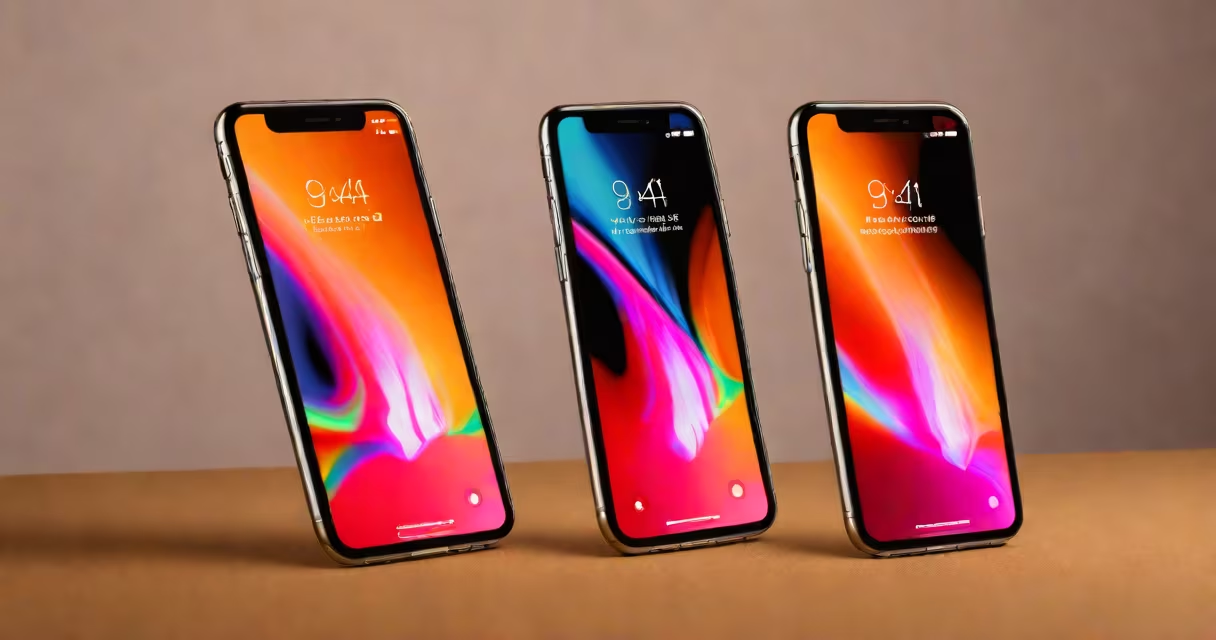
The iPhone 8 iOS refers to the versions of Apple's operating system designed for the iPhone 8 model, released in 2017. The device originally shipped with iOS 11 and received updates until iOS 16.5.3.
Apple releases major iOS updates annually, typically in September. These updates introduce new features, security patches, and performance improvements. The iPhone 8, being a 2017 model, supports a range of iOS versions due to its hardware capabilities.
| iOS Version | Release Date | Key Features |
|---|---|---|
| iOS 11 | September 2017 | New file system, improved augmented reality, and a redesigned App Store. |
| iOS 12 | September 2018 | Performance improvements, new emojis, and Screen Time feature. |
| iOS 13 | September 2019 | Dark Mode, updated Photos app, and enhanced privacy controls. |
| iOS 14 | September 2020 | App Library, Widgets, and Picture in Picture mode. |
| iOS 15 | September 2021 | Focus modes, Live Text, and Spatial Audio. |
| iOS 16 | September 2022 | Edit Messages, Lock Screen customization, and improved Dictation. |
The iPhone 8 iOS is used to improve the functionality and security of the device. Updates often address vulnerabilities, improve battery life, and introduce new features that keep the device relevant. For example, iOS 13 introduced Dark Mode, which reduces eye strain in low-light conditions.
Many users confuse the iPhone 8's iOS compatibility with newer models like the iPhone XS Max. Unlike the iPhone XS Max, which supports iOS 17, the iPhone 8 cannot run the latest iOS versions due to hardware limitations., some believe that older iPhones receive fewer updates, but Apple has consistently supported the iPhone 8 with major updates for several years.
To update your iPhone 8 to the latest compatible iOS version, follow these steps:
Apple's commitment to supporting older devices helps the iPhone 8 remains functional and secure, even as newer models are released. The iPhone 8's last supported iOS version was iOS 16.5.3, released in July 2023. This update included important security patches and performance improvements, demonstrating Apple's ongoing support for older devices.