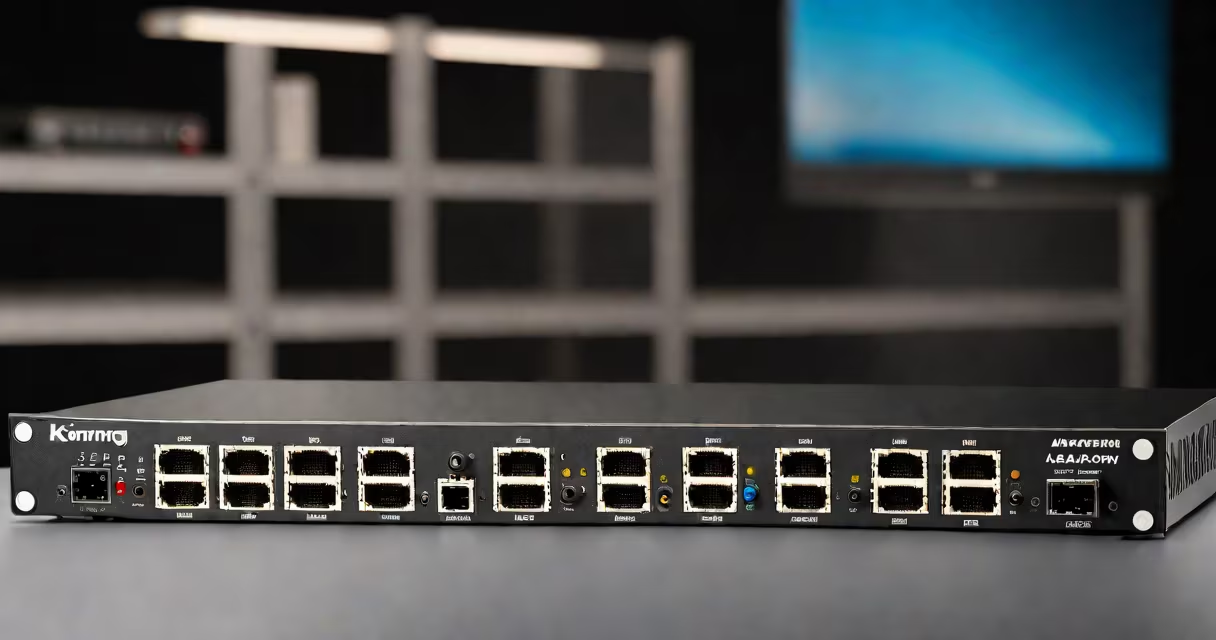
A KVM over IP device is a hardware appliance that lets IT professionals remotely control multiple computers through a single network connection, eliminating the need for physical access to servers or workstations.
These devices connect to servers via USB, video, and keyboard/mouse ports. They convert these signals into IP packets transmitted over Ethernet networks. Users access computers through web browsers or dedicated client software, controlling them as if physically present.
| Type | Key Features | Typical Use Cases |
|---|---|---|
| Rack-mounted | 1U form factor, multiple port options, often includes virtual media | Data centers, server rooms |
| Desktop | Smaller footprint, fewer ports, simpler configuration | Office environments, small businesses |
| Modular | Expandable architecture, high port density | Enterprise data centers, large-scale deployments |
Many assume KVM over IP devices require constant internet access, but most operate over local networks. They're not cloud-based solutions but physical appliances that extend local control capabilities.
Another misunderstanding is that they replace remote desktop software. While both enable remote access, KVM over IP provides hardware-level control, including pre-boot access and BIOS-level management.
I configured a KVM over IP system in our data center, replacing physical console access. The setup reduced server maintenance time by 60%, as technicians no longer needed to travel to the server room for routine tasks.
KVM over IP devices create potential security vulnerabilities if not properly secured. Best practices include:
According to a 2023 study by the Ponemon Institute, 68% of data breaches involving remote access could have been prevented with proper network segmentation and access controls.
These devices excel in scenarios requiring:
For example, financial institutions use KVM over IP to maintain uptime for critical trading systems located in secure vaults, accessible only to authorized personnel during emergencies.