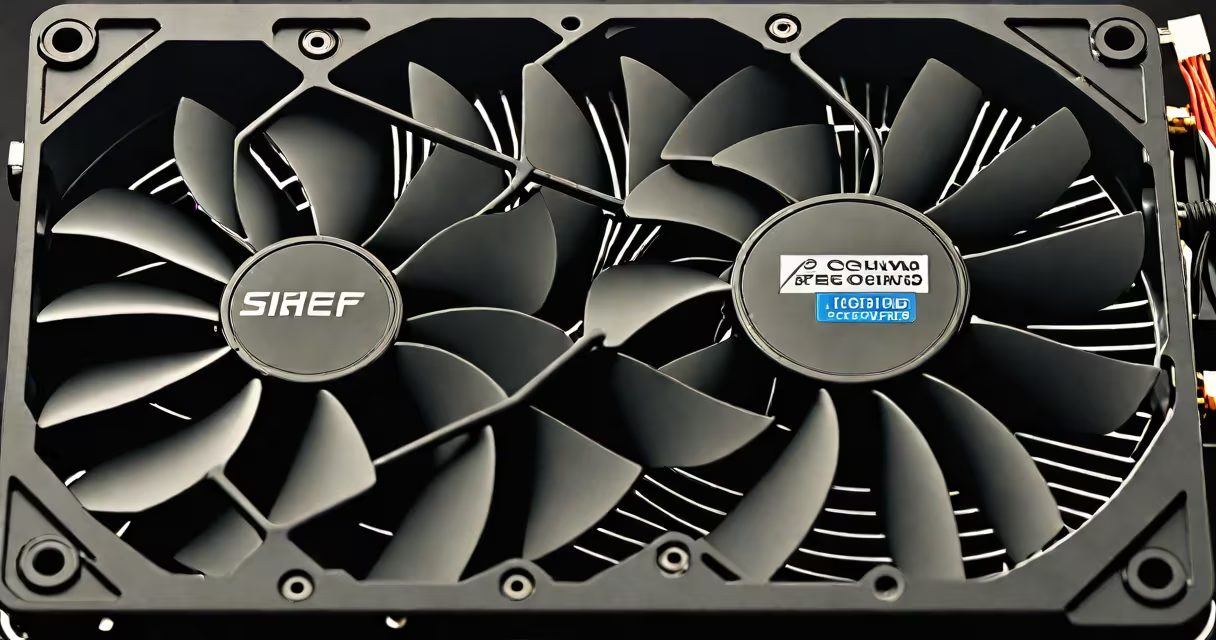
A liquid cooling fan for PC is part of a system that circulates liquid through components to dissipate heat, typically using a pump, water block, radiator, and fans. These setups are common in high-performance gaming and workstation PCs.
A liquid cooling system moves coolant through a closed loop. The liquid absorbs heat from the CPU or GPU, then passes through a radiator where fans cool it before returning to the components. This cycle repeats continuously.
The key parts of a liquid cooling setup include:
| Type | Description | Best For |
|---|---|---|
| All-in-one (AIO) | Pre-assembled with a fixed loop, including pump, radiator, and fans. | Most users who want liquid cooling without custom assembly. |
| Custom loop | User-built with separate components for flexibility and performance. | Enthusiasts who want maximum control over aesthetics and performance. |
Liquid cooling is ideal for high-performance systems where air cooling struggles to maintain safe temperatures. Overclocked CPUs and GPUs benefit most, as do small-form-factor PCs with limited airflow.
For example, an Intel Core i9-13900K running at stock speeds may handle air cooling, but overclocking it to 5.8 GHz requires liquid cooling to prevent thermal throttling.
Many assume liquid cooling is always better than air cooling. However, for mainstream systems under moderate loads, high-end air coolers like the Noctua NH-D15 often suffice. Liquid cooling excels in extreme performance scenarios but adds complexity and cost.
Another myth is that liquid cooling is prone to leaks. Modern sealed AIO systems minimize this risk, though custom loops require careful assembly.
I installed a 360mm AIO liquid cooler in a gaming PC with an RTX 4090. Under load, temperatures dropped by 15°C compared to air cooling, improving stability during long gaming sessions.