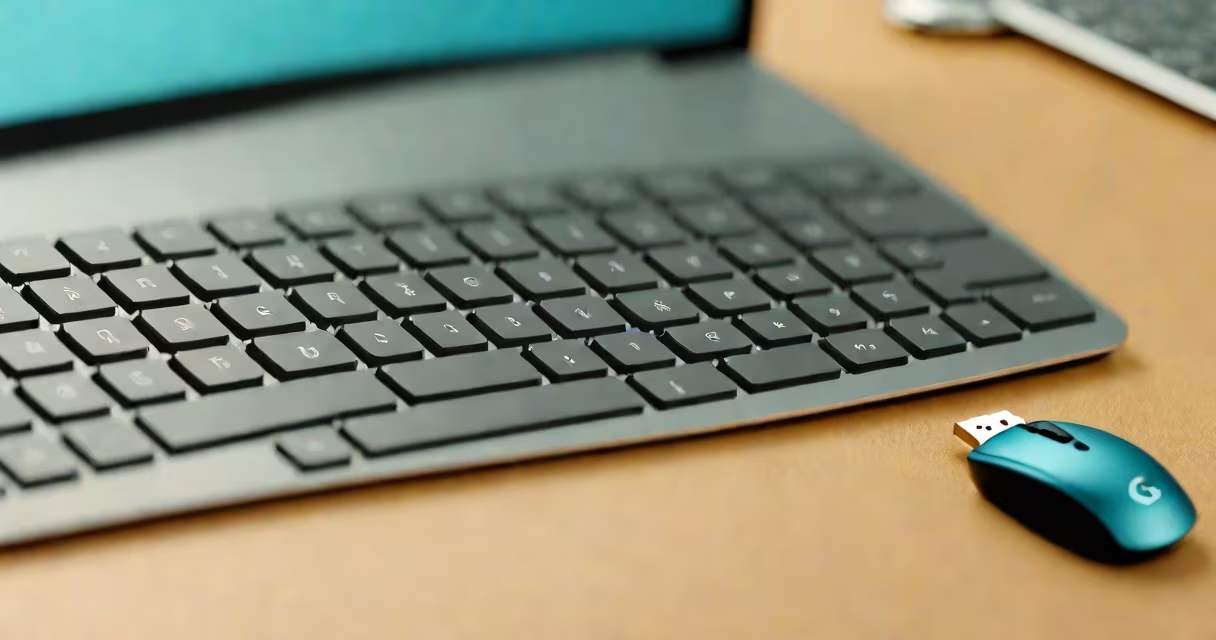
A Logitech wireless keyboard receiver is a small USB dongle that creates a wireless connection between your Logitech keyboard and computer. This eliminates the need for cables while maintaining a stable connection.
Most Logitech receivers support up to six different devices simultaneously, though you can only connect one keyboard at a time. The pairing process typically involves pressing a button on the receiver and a corresponding button on the keyboard.
| Type | Compatibility | Range |
|---|---|---|
| Unifying Receiver | Most Logitech wireless keyboards and mice | Up to 10 meters |
| Lightspeed Receiver | Select high-performance models | Up to 15 meters |
While both types work similarly, Lightspeed receivers offer lower latency and longer range, making them ideal for gaming or fast typists. Most standard keyboards use the Unifying Receiver.
These receivers are primarily used with wireless keyboards to reduce desk clutter and improve ergonomics. They're also useful for creating multi-device setups, such as pairing a keyboard and mouse to the same receiver.
Many users find them particularly valuable for home office setups or when using laptops on the go. The compact size makes them easy to transport, and they don't require separate drivers on most operating systems.
People often confuse the wireless keyboard receiver with Bluetooth connections. While both create wireless connections, Logitech's proprietary receivers generally offer more reliable performance and lower latency than standard Bluetooth.
Another common misconception is that all Logitech receivers are interchangeable. While many are, some newer models use different technologies that aren't compatible with older receivers. Always check compatibility before purchasing.
I once helped a colleague set up a new wireless keyboard that wouldn't connect. After troubleshooting, we discovered his older receiver wasn't compatible with the newer keyboard model. We solved the issue by using the keyboard's built-in Bluetooth instead.
If your keyboard isn't connecting:
For persistent issues, consult Logitech's support resources or consider replacing the receiver if it's damaged.