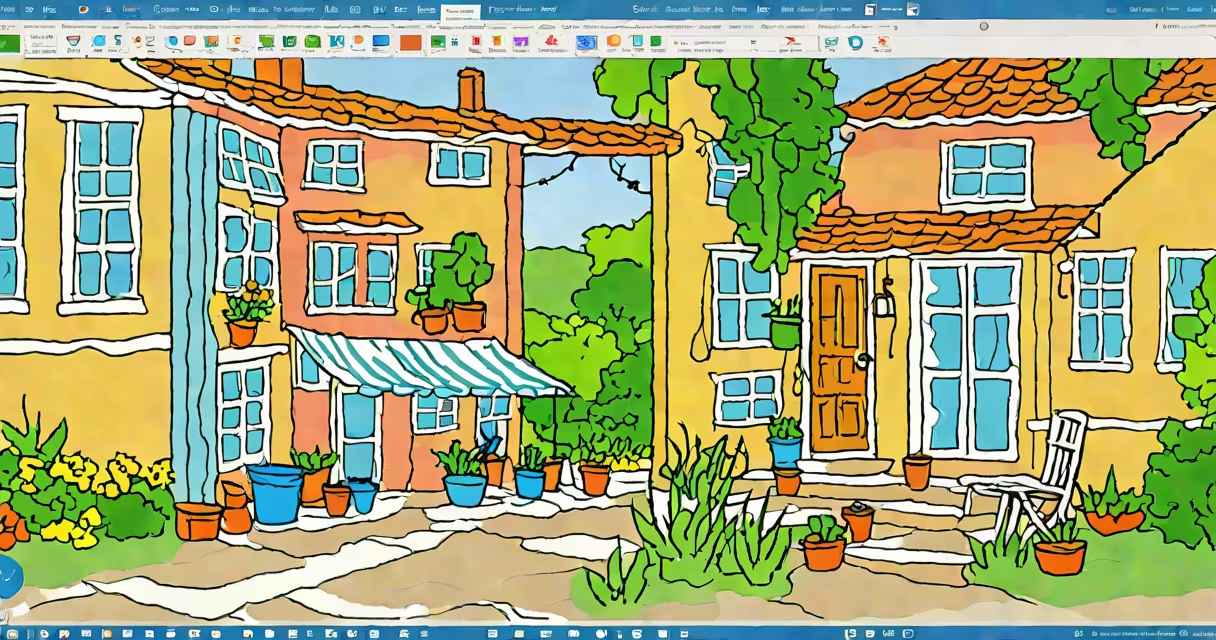
Microsoft Paint Windows 11 is the latest iteration of the classic drawing and image-editing software, now optimized for Windows 11. It retains the simplicity of its predecessor while adding new features and improvements.
Microsoft Paint allows users to create and edit images using basic tools like a pencil, brush, eraser, and various shapes. The Windows 11 version includes enhanced tools such as a lasso tool for more precise selections and a curved line tool for smoother drawings. Users can save their work in common formats like PNG, JPEG, and BMP.
The updated Microsoft Paint includes several new and improved tools:
Microsoft Paint is widely used for simple graphic tasks such as creating diagrams, editing screenshots, and making quick sketches. It is particularly popular among students, educators, and casual users who need a straightforward tool for basic image editing. The Windows 11 version is often used alongside other Windows 11 apps for a smooth workflow.
Many users confuse Microsoft Paint with more advanced image-editing software like Adobe Photoshop. While Microsoft Paint offers basic functionalities, it lacks the advanced features of professional software. Another common misconception is that Microsoft Paint has been completely replaced by more modern apps. However, it remains a staple in Windows 11 for its simplicity and ease of use.
To start using Microsoft Paint on Windows 11, simply search for "Paint" in the Start menu and open the application. The interface is intuitive, with tools arranged in a familiar layout. For more complex tasks, users might need to explore additional software or tutorials.
Microsoft Paint Windows 11 continues to be a valuable tool for basic image editing, offering a balance between simplicity and functionality. Its updates ensure it remains relevant in the evolving field of digital tools.